
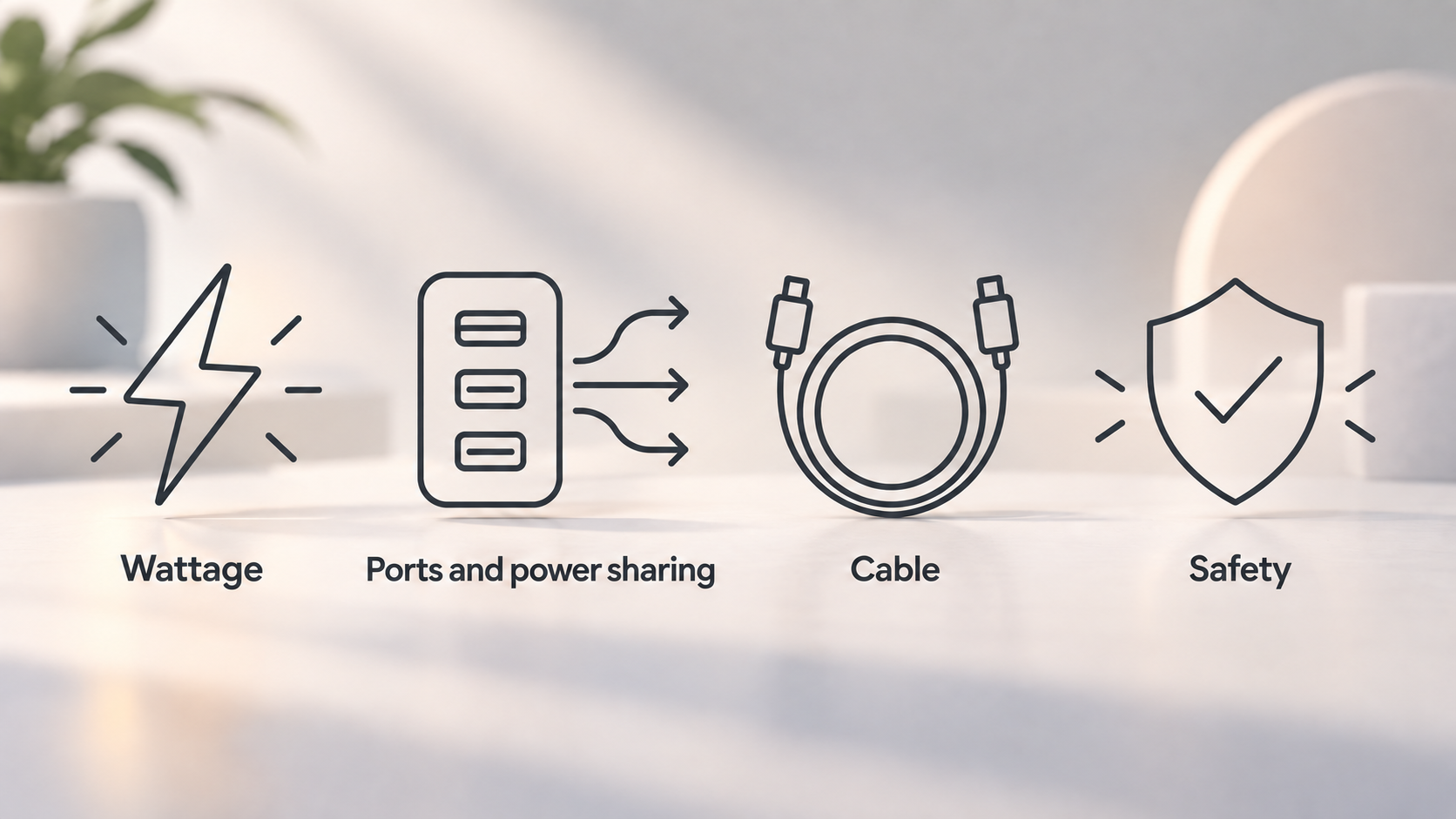
What to look for in a USB-C wall charger
AI-generated generic editorial illustration — not a retailer product photo and does not depict the reviewed product or service. Editorial illustration supporting this section.
Choosing a USB-C charger comes down to four decisions: how many watts you need, how many ports you want and how they share power, whether your cable is up to the job, and whether you are buying from a source that takes electrical safety seriously. Get those four right and a single charger can cover most of your everyday devices.
Many UK buyers have to make this choice because a charger is no longer always supplied. Belkin points out that the iPhone 12, 13 and 14 don't come with a charger, so you need to buy one separately.
A note on how this guide is written. It draws on the USB Implementers Forum's page on USB Power Delivery, support pages from Apple and Samsung, buying advice from Belkin, Anker's charger range page and Electrical Safety First. It is editorial guidance built from those published sources. We have not tested any chargers ourselves and we don't rank products. Where a figure comes from a manufacturer, we say so.
The guide is for anyone choosing a wall charger for a phone, tablet or laptop who wants to understand what the numbers on the box actually mean.
How USB Power Delivery and PPS set charging speed
USB Power Delivery (USB PD) is the standard behind most modern USB-C fast charging. According to the USB Implementers Forum, it provides flexible power delivery along with data over a single cable. In practice, the charger and the device agree between them how much power should flow.
The headline limits are worth knowing:
- Up to 100W: before the PD 3.1 update, USB PD was limited to 100W, using 20V and USB Type-C cables rated at 5A.
- Up to 240W: USB PD Revision 3.1, announced in 2021, extends this to 240W. New fixed voltages of 28V, 36V and 48V enable 140W, 180W and 240W respectively.
- Adjustable voltage: this mode lets the device being powered request intermediate voltages, from 15V up to the maximum fixed voltage the charger offers.
Most people don't need anything near 240W. The point is that the standard scales from small devices up to much larger ones, which is why one type of charger can suit many products.
You may also see PPS (Programmable Power Supply) on a charger's specification. Belkin says a charger with PPS will optimise the charge for the connected device, and may potentially charge it faster than an Apple charger. Treat that as a manufacturer's claim rather than something we have measured, but it is a useful extra if you can get it at a similar price.
Matching wattage to phones, tablets and laptops
The right wattage depends on what you are charging. These are the figures the manufacturers publish.
Phones in general. Belkin says that 20W is plenty for charging a phone or powering a dash cam, while a 30W charger might be more appropriate for tablets and high-end smartphones.
iPhone. Apple says you can fast charge an iPhone 8 or later to 50 per cent in around 30 minutes. For that you need an Apple 18W or greater USB-C Power Adapter, or a comparable third-party adapter that supports USB Power Delivery. For newer models, Apple gives specific figures:
- iPhone 17e and iPhone Air: up to 50 per cent in 30 minutes with a 20W adapter or higher.
- iPhone 17, iPhone 17 Pro and iPhone 17 Pro Max: up to 50 per cent in around 20 minutes with a 40W adapter or higher.
- MagSafe fast charging on iPhone 16 or later: a 30W or greater adapter.
- iPhone 15 and earlier with MagSafe: fast charging up to 15W with a 20W or greater adapter.
Samsung Galaxy. Samsung's UK support page covers the Galaxy S22 and S23 range. Super Fast Charging needs a 45W travel adapter and a 5A e-marked cable, and Samsung says it cannot be performed with standard chargers. Its guidance lists 45W for the S22+/S23+ and the S22/S23 Ultra, and 25W for the smaller S22/S23. The page was last updated in May 2023, so check Samsung's guidance for your own model.
Laptops. We haven't got laptop-specific figures from these sources, so the safest approach is to look at the wattage printed on your laptop's own adapter and choose a charger that meets it. For context, USB PD tiers run up to 100W, and up to 240W under PD 3.1.
Ports and power sharing on multi-port chargers
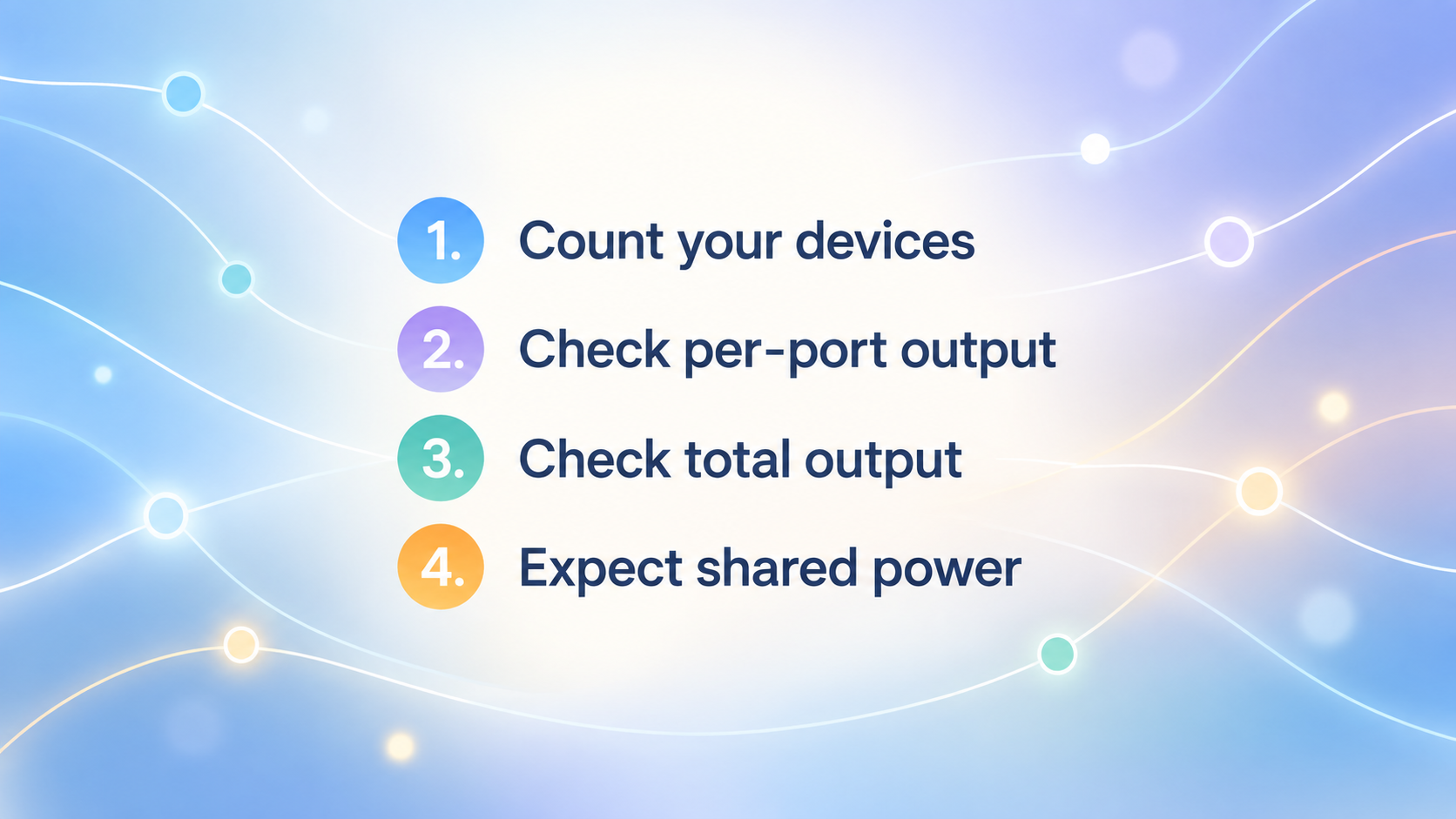
AI-generated generic editorial illustration — not a retailer product photo and does not depict the reviewed product or service. A short numbered checklist of the points the section states for reading a multi-port charger: how many ports you need, per-port output, total output, and shared power.
If you charge several devices at once, a multi-port charger is convenient. Belkin says how many extra ports you want depends on how many devices you need to charge. Anker's charger range page lets shoppers filter by total power output, number of ports (one, two to three, or more than three) and port type: USB-C, USB-A, or a mix of both.
USB PD is designed to cope with this. The USB Implementers Forum says it can optimise power management across multiple peripherals by allowing each device to take only the power it requires.
The catch is that a charger's headline wattage is usually a total. When several devices are plugged in, that total can be divided between ports, so each device may receive less than the number on the box. Use this short checklist:
- Count your devices. Work out how many you charge at the same time.
- Check per-port output. Look at what each port delivers, not just the label on the front.
- Check total output. Make sure the combined figure is enough for your devices together.
- Expect shared power. Assume some sharing when more than one port is in use, and check the manufacturer's listing for how it works.
Cable rating and the weak link in fast charging
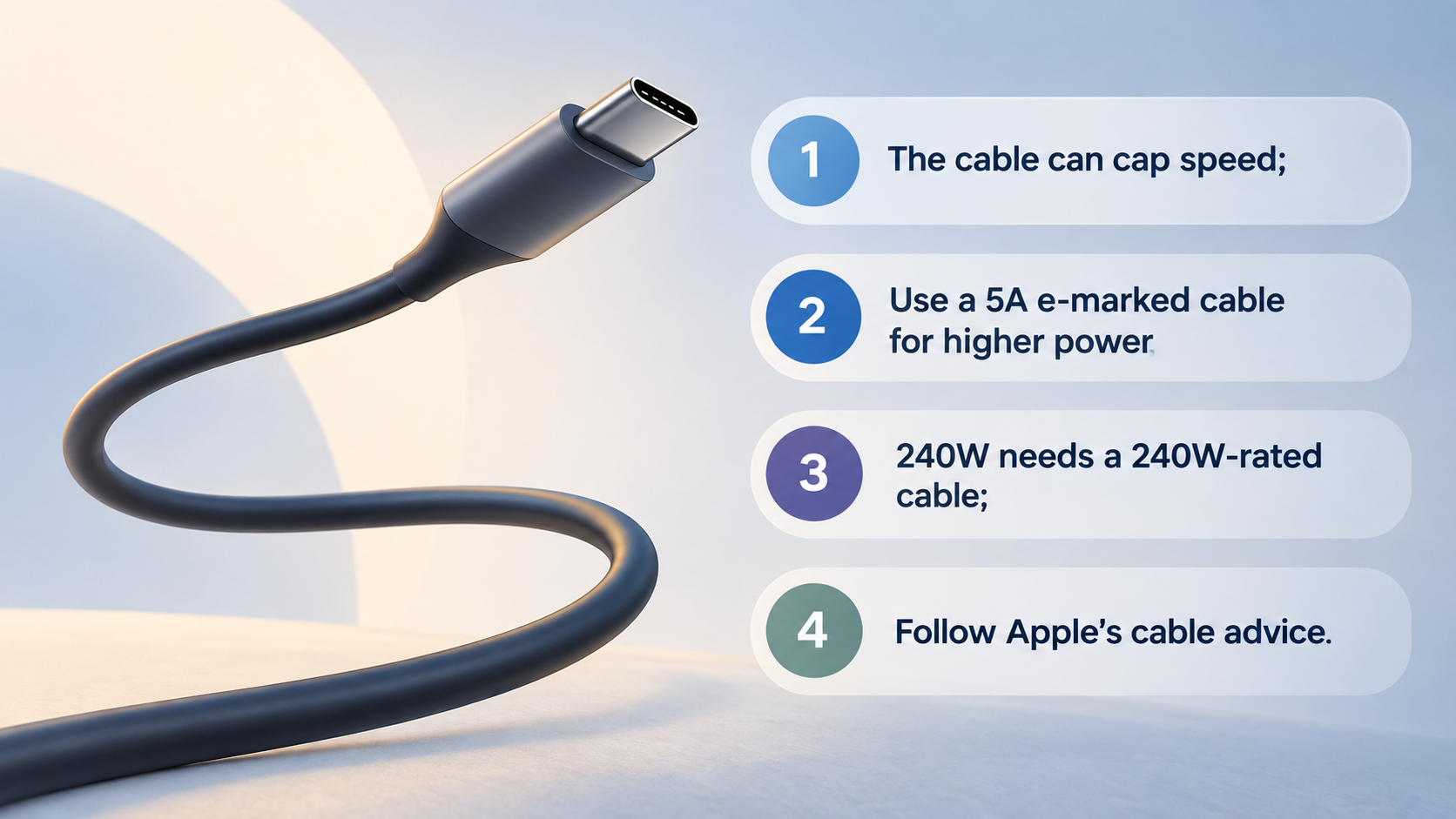
AI-generated generic editorial illustration — not a retailer product photo and does not depict the reviewed product or service. A short numbered checklist of the cable points the section states: the cable can cap charging speed, higher power needs a 5A e-marked cable, 240W needs a cable built to that requirement, and Apple's advice on suitable cables.
The cable can limit charging speed, however good the charger is. Samsung says its 45W Super Fast Charging requires a 5A e-marked USB-C cable, and recommends the 5A cable that comes with its 45W charger. The USB Implementers Forum notes that USB PD at 100W relied on cables rated at 5A, and that the USB Type-C specification was updated to Release 2.1 to define 240W cable requirements.
Apple's advice is simpler for everyday use. To fast charge, you need an iPhone 15 or later with a USB-C cable, such as the one that came in the box, or an earlier iPhone with a USB-C to Lightning cable.
In short:
- The cable can cap your charging speed.
- For higher power, look for a 5A e-marked cable.
- For 240W, you need a cable built to the 240W requirements.
- For iPhones, follow Apple's cable advice above.
What a good USB-C charger does well
It works with many devices. Belkin says USB-C chargers are compatible for charging most devices. Because USB PD lets the charger and device negotiate, and because power direction is no longer fixed, one standards-based charger can serve phones and tablets. Anker's range filters also include laptops, which suggests some chargers cover those too, depending on wattage.
You aren't tied to one brand. Apple says a comparable third-party USB-C power adapter that supports USB-PD can be used for fast charging. Belkin says any charger of 20W or above will be compatible with an iPhone.
It can be compact. Anker describes GaN technology as delivering powerful charging speeds from remarkably small housings, so that chargers slip into a pocket or bag. That is Anker's own description and we haven't tested it.
Support is often published. Anker lists a 30-day money-back guarantee and a warranty on its charger page. These are brand claims, so read the terms at the point of purchase.
Limitations and compatibility catches
USB-C is a shared standard, but that does not mean every charger behaves the same way.
- Chargers vary. Belkin notes that not all chargers are the same, and that USB-C port wattage varies from 15W to 100W.
- Special modes need specific kit. Samsung says Super Fast Charging cannot be performed with standard chargers. It needs the 45W adapter and a 5A e-marked cable.
- Temperature matters. Apple says fast charging may not work in conditions that are too cold or too hot.
- Quoted times are test results. Apple's charge-time figures come from its own testing, and Apple says charging time varies according to settings and environmental factors, so actual results will vary.
- Wattage alone isn't a guarantee. The adapter is only one part. The device, the cable and its settings also limit speed, and with a multi-port charger, shared power can reduce what each port delivers.
Finally, remember the limits of this guide. It uses published specifications and support pages. We have not independently tested chargers, so real-world speeds in your home may differ.
Electrical safety and buying from trusted sources
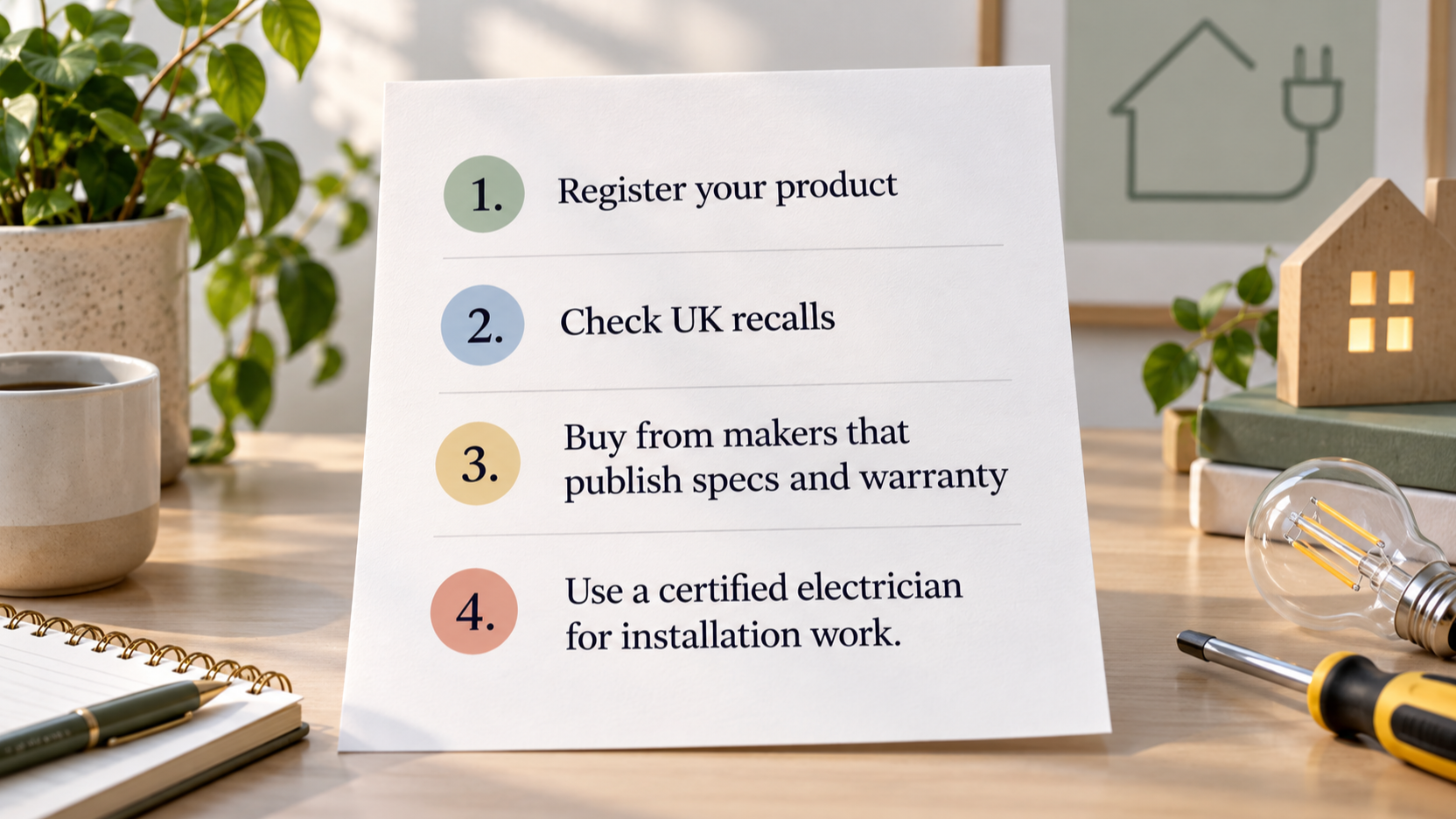
AI-generated generic editorial illustration — not a retailer product photo and does not depict the reviewed product or service. A short numbered checklist of the UK-first safety steps the section states: register the product, check recalls, favour manufacturers that publish specs and warranty, and use a certified electrician for installation work.
A charger plugs into the mains, so safety deserves attention. Electrical Safety First, a UK charity, says millions of recalled electrical products may still be in UK homes, often because people don't register their appliances. It maintains a database of UK electrical product recalls.
A short checklist:
- Register your product. Electrical Safety First says registering makes it easy for the manufacturer to contact you if the item turns out to be faulty or dangerous.
- Check UK recalls. Use the recall database before you buy and again afterwards.
- Buy from makers that publish specs and warranty. Anker, Belkin, Apple and Samsung all publish compatibility and warranty details on their pages. Check them before you buy. Apple recommends USB-PD compliant adapters from Apple or comparable third parties.
- Use a certified electrician for installation work. If you need electrical installation work in your home, Electrical Safety First recommends an electrician registered with a government-approved scheme.
We haven't tested any charger for safety and don't rank brands. This is a process for reducing risk, not a safety rating.
Quick matching guide by device and use
Use this as a starting point, then check your own device's manufacturer page.
| Situation | Starting point | Source |
|---|---|---|
| One phone, everyday and travel use | A 20W or higher USB-C PD charger | Belkin, Apple |
| Phone plus tablet, or a high-end phone | A 30W charger, with enough ports for both | Belkin |
| Newest iPhone Pro models, fastest charging | A 40W or higher adapter | Apple |
| iPhone with MagSafe (iPhone 16 or later) | A 30W or greater PD adapter | Apple |
| Samsung Galaxy S22/S23 Super Fast Charging | A 45W charger with a 5A e-marked cable | Samsung |
| Laptop plus phone | A charger meeting your laptop's rated adapter wattage, with a second port for the phone | USB-IF, Anker filters |
For travel, the same logic applies: choose the wattage for your most demanding device, then add ports for the rest. If several devices will charge at once, check per-port and total output as set out above.
Frequently Asked Questions
Can I use a higher-wattage USB-C charger with a phone that charges more slowly?
Yes. With USB PD, the device negotiates the power it takes, so a higher-wattage charger is compatible with a lower-wattage device. Belkin says any charger of 20W or above will be compatible with an iPhone. The extra capacity simply goes unused.
Do I need an Apple charger to fast charge my iPhone?
No. Apple says you can use an Apple USB-C Power Adapter or a comparable third-party USB-C power adapter that supports USB Power Delivery. The wattage still has to meet Apple's requirement for your model, for example 20W or higher as the recommended minimum for many iPhones, and 40W or higher for the iPhone 17 Pro range.
Do I need a special cable for 45W or higher charging?
For Samsung's 45W Super Fast Charging, yes: Samsung requires a 5A e-marked USB-C cable. More generally, USB PD at 100W relied on cables rated at 5A, and 240W requires a cable built to the USB Type-C Release 2.1 requirements.
Is a multi-port charger as fast as a single-port charger when several devices are plugged in?
Not necessarily. A charger's headline wattage is usually a total, and with several devices connected it can be divided between ports. Check the per-port output as well as the total before you buy.
How can I check whether my charger has been recalled in the UK?
Electrical Safety First provides a database of UK electrical product recalls that you can search. It also recommends registering your appliances so that the manufacturer can contact you if a product proves faulty or dangerous.
Sources
- Official source
- Official source
- Official source
- Official source
- Official source
- Independent guidance
Related reading
- Anker vs Belkin chargers and power banks: which is the better fit
- Samsung chargers and power accessories review: practical buying assessment
- Apple chargers and MagSafe review: practical buying assessment
- How to spot genuine charger and power bank deals
Editorial information: About our editorial team · Read our editorial policy · Read our affiliate disclosure.