
How to Judge a Charger or Power Bank Discount
AI-generated generic editorial illustration — not a retailer product photo and does not depict the reviewed product or service. Editorial illustration supporting this section.
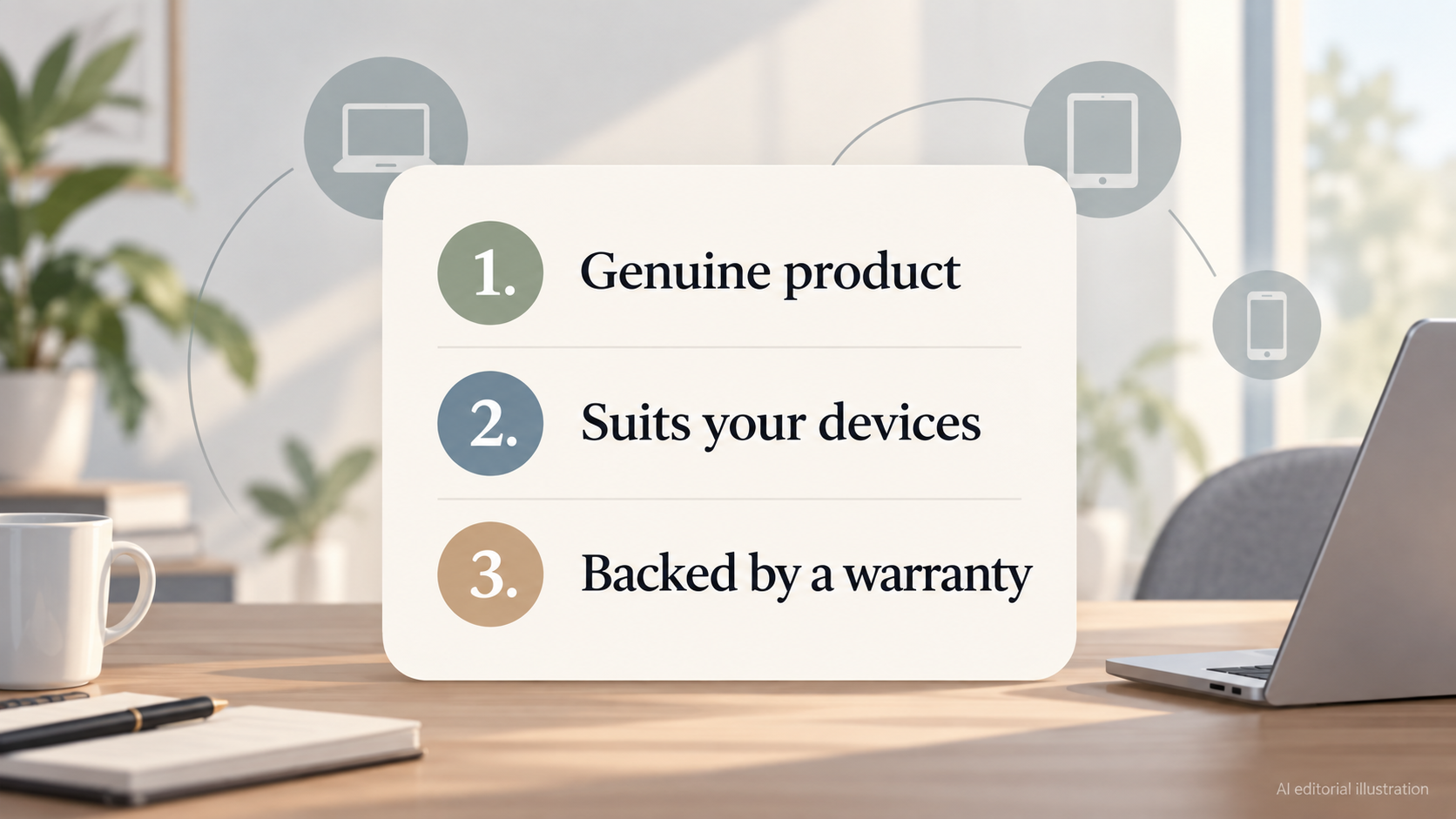
A big percentage off a charger or power bank is easy to notice. What matters more is whether the product is genuine, whether it suits the devices you actually own, and whether a warranty stands behind it. If any of those three is missing, the discount is not really a saving.
The checks in this guide apply across the main types of charging product: wall chargers, power banks and wireless chargers. Brands such as Anker, Belkin, Samsung and Apple all appear in these categories, and each publishes its own product, warranty or support information that you can use as a baseline when you look at an offer.
A word on where this guide comes from. It draws on manufacturer pages, the USB standards body (USB-IF) and UK electrical safety guidance from the charity Electrical Safety First. It is editorial guidance built from those published sources. It is not the result of personal testing, and it does not compare live prices or verify individual retailer listings. Always confirm the seller and the specification at the point of purchase.
In short, before you treat a price cut as a bargain, ask three questions:
- Is this a genuine product from a seller I can identify?
- Does it deliver the wattage, ports and capacity my devices need?
- Is there a named warranty, a recognised standard and a clean recall check?
What Official Stores and Manufacturer Pages Give You
AI-generated generic editorial illustration — not a retailer product photo and does not depict the reviewed product or service. One row of icons with short labels for what official stores and manufacturer pages provide, as the section states.
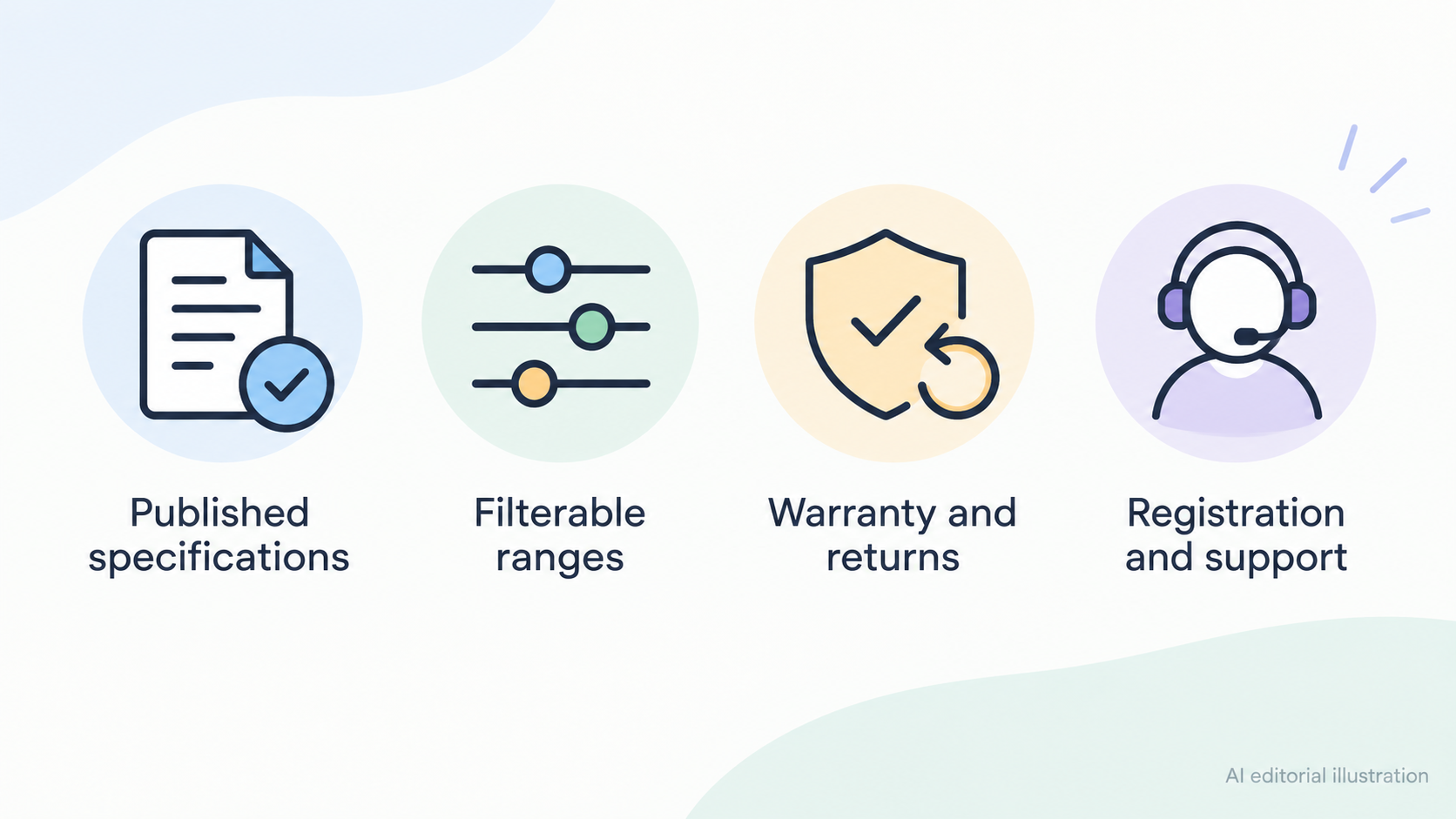
Buying from a manufacturer's own store, or from a route the manufacturer clearly names, gives you something a bare marketplace listing often does not: information you can check. Official pages tend to publish specifications, let you filter ranges, state warranty and returns terms, and provide registration or support tools.
Anker. Anker's official chargers page lets you filter by total power output, port type, device compatibility and number of ports. That means you can line up a discounted model against the specification you actually need. The same page states a hassle-free warranty, a 30-day money-back guarantee and certified compatibility. These are Anker's own claims about its own channel, so read them as the manufacturer's terms rather than a guarantee that applies to every third-party listing.
Belkin. Belkin's official site has a dedicated Warranty Center, a product registration route and a product recalls section in its support menu. Its product menu is organised into wireless chargers, power banks and chargers, which makes like-for-like comparison simpler.
Samsung. Samsung's UK accessories pages list accessories by device family, such as Galaxy smartphone, tablet, watch and laptop accessories, with a chargers category alongside them. The site also links to warranty information, regulatory information and support. If you are looking at a third-party listing for a Samsung accessory, those pages give you a baseline to compare it against.
None of this says that official stores are always cheaper, and this guide makes no price claims. The point is that an official or clearly authorised route gives you a specification to check, a warranty route to follow and a place to go if something is wrong.
Match Wattage, Ports and Capacity to Your Devices
A discount on the wrong product is still money wasted. Before you buy, work out what your devices need, then check the product against that.
Know what USB Power Delivery means for wattage. According to the USB Implementers Forum, USB Power Delivery was limited to 100W, using 20V and USB-C cables rated at 5A, before revision 3.1. Revision 3.1, announced in 2021, extends delivery to up to 240W over full-featured USB Type-C cables. It does this with new 28V, 36V and 48V fixed voltages, which enable 140W, 180W and 240W respectively. So a PD wattage claim on a listing can be checked against these published tiers.
Remember the cable. Higher-wattage charging needs a cable rated for it. A discounted charger is only one part of the equation, and a cable that cannot carry the power will limit what you get. If you are buying for a laptop, check the cable as well as the charger.
Use the manufacturer's own categories as a guide. Anker's charger range is split by total output (below 100W, 100W to 200W and above 200W), by use (laptops, or phones and tablets) and by number of ports (one, two to three, or more than three). Those splits are a useful way to think about your own needs, whichever brand you buy.
Add up everything you charge at once. On a multi-port charger, the listed total output is the figure to check against the combined needs of every device you plan to charge at the same time. A charger rated below what your laptop asks for will not suit it, however good the price. Equally, a phone-only user does not need a high-wattage multi-port unit.
Check capacity on power banks. For a power bank, look for the listed capacity and the output of each port. Make sure the output matches the device you plan to charge, and that the listing states it clearly. If a listing leaves out wattage or port details, treat that as a reason to look elsewhere.
Wall, Wireless and Power Bank Deals Compared
The three main types of charging product suit different situations. This section does not rank brands. It looks at what each type is for and what to check when one is discounted.
Wall chargers are the main route to high-wattage and multi-port charging. Anker presents its GaN wall chargers as compact fast-charging options that fit in a pocket or bag. On a discount, check total output, port type and number of ports, and whether the cable you own can carry the power.
Wireless chargers suit a desk, bedside table or car, where convenience matters more than top speed. Apple states that iPhone 8 and later can charge wirelessly with Qi-certified chargers, and that many Qi-certified chargers charge iPhone at rates up to 7.5W. Apple also notes that other Qi-certified chargers may vary in functionality and performance, and tells users to contact the manufacturer with questions. It warns that magnetic mounts, magnetic cases or objects between the phone and charger can reduce performance, and can affect cards and key fobs. So on a wireless charger deal, check Qi certification and think about your case.
Power banks are for charging away from a socket. Belkin organises its range across wireless chargers, power banks and chargers, and Samsung has its own chargers category, so you can compare a discounted product with others in the same category on official pages. As with wall chargers, check the output of each port against what your device needs.
Real-world performance depends on the device in every case. The headline number on a box is a ceiling, not a promise.
Where Charger Discounts Can Mislead
Discounts can look better than they are. These are the main ways, and what the sources do and do not establish.
Missing information. Official pages state specifications and warranty terms. A listing that omits wattage, port details or a named manufacturer warranty gives you less to check, and that is worth noticing. Likewise, if you cannot tell who the seller is, you cannot be sure where a warranty claim would go.
Wireless speeds below expectations. Apple says many Qi-certified chargers charge iPhone at rates up to 7.5W, and that others may vary in performance. A buyer expecting something close to wired fast charging may be disappointed by the headline figure on a wireless charger.
Safety history. Electrical Safety First says millions of recalled electrical products may still be in UK homes, often because people do not register their appliances. A cheap product that has been recalled, or one you cannot register, is not a bargain. Its database lets you check recalls quickly.
Limits of this guide. This guide does not include live prices and has not tested any product. The sources show what manufacturers and safety bodies publish, and they do not show whether a particular retailer's listing is genuine. Confirm the seller and the specification yourself before you pay.
Where Real Charger Savings Come From
AI-generated generic editorial illustration — not a retailer product photo and does not depict the reviewed product or service. Numbered checklist of the ways the section says a discount turns into real value, without any discount sizes.
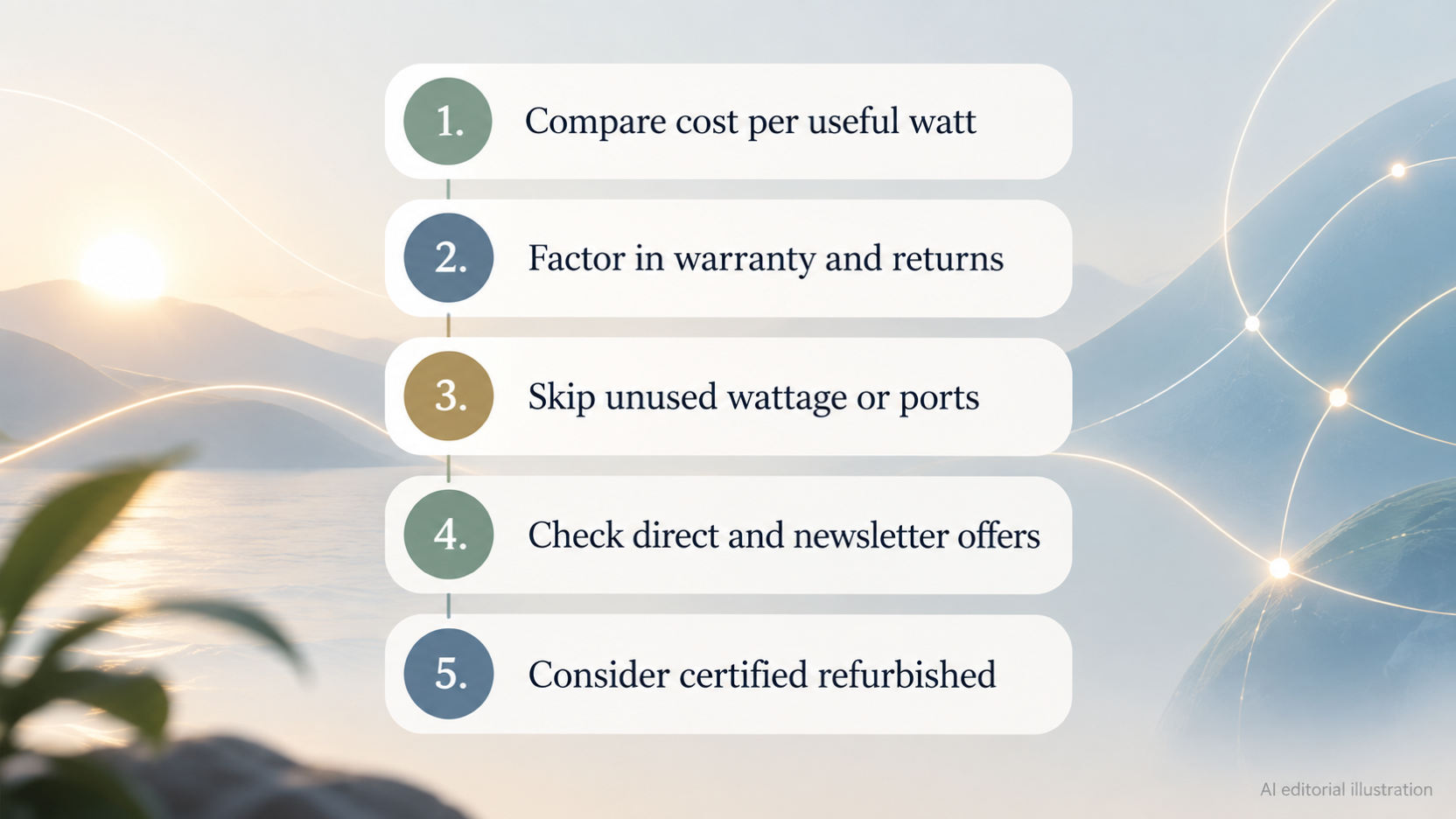
A saving is real when the product meets your wattage and port needs and keeps its warranty. The sticker price alone does not tell you that. Here is how to turn a discount into value.
- Compare cost per useful watt or per usable device. A cheaper charger that cannot power your laptop is not cheaper in any useful sense.
- Factor in warranty and returns. Anker's official chargers page lists free shipping, a 30-day money-back guarantee and a hassle-free warranty as part of its own channel. A longer returns window and a named warranty have real value, and buying elsewhere may mean giving them up.
- Skip wattage or ports you will not use. Buying more wattage than your devices can use, or a multi-port charger for a single device, is a common way to overspend.
- Check direct and newsletter offers. Belkin's site lists a newsletter sign-up that offers savings on your next purchase, plus Belkin Rewards. Samsung promotes buying direct and Samsung Rewards on its UK site.
- Consider certified refurbished. Belkin lists a Certified Refurbished category on its official site, and Samsung's UK site promotes Certified Re-Newed devices. Check what is available for the product type you want, and read the terms.
This guide does not state discount sizes. Offers change often, so check the terms on the manufacturer's page at the time you buy.
Warranty, Certification and Recall Checks Before You Buy
AI-generated generic editorial illustration — not a retailer product photo and does not depict the reviewed product or service. Numbered pre-purchase checklist of the four checks the section lists: seller and warranty, standards, UK recall database, registration.
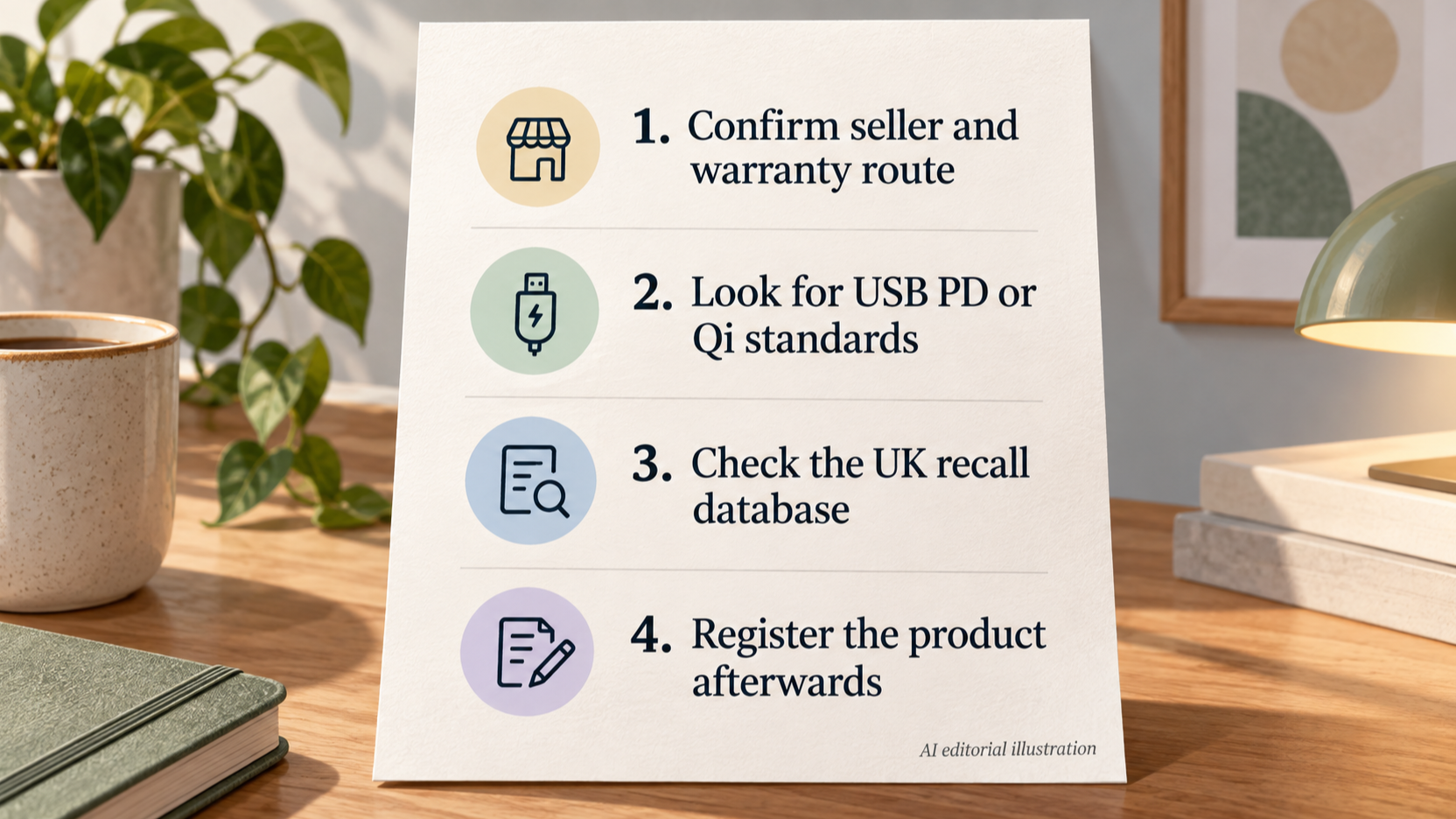
Run through these checks before you click buy. They come from official and charity sources, not from personal testing.
- Confirm the seller and the warranty route. Belkin's Warranty Center and product registration pages show where to confirm warranty terms for a Belkin product. Samsung's UK site has warranty information and regulatory information pages for its products. Anker states its warranty on its chargers page. If you cannot find the manufacturer's warranty route for the listing in front of you, pause.
- Look for the relevant standard. For wireless charging, Apple points to Qi, the open standard created by the Wireless Power Consortium, and publishes a list of Qi-certified chargers. For wired charging, the USB-IF page describes USB Power Delivery and its power levels, so a charger claiming a PD wattage can be checked against the published tiers.
- Check the UK recall database. Electrical Safety First runs a UK electrical product recall database. Search it for the product type or brand before you buy, and again for anything you already own.
- Register the product afterwards. Electrical Safety First recommends registering appliances so the manufacturer can contact you about a fault or danger. Belkin offers product registration on its site.
A named manufacturer warranty, a recognised standard and a clean recall check together give much stronger assurance than a low price does.
Frequently Asked Questions
How can I tell if a charger or power bank deal is from an official source?
Start at the manufacturer's own site. Official pages such as Anker's chargers page, Belkin's Warranty Center and Samsung's UK accessories pages publish specifications, warranty terms and support routes. Compare the listing you are looking at with that information. If the listing does not name the manufacturer, its warranty or the specification, you have less to go on. This guide does not verify individual retailer listings, so confirm the seller before you buy.
Does a higher wattage charger always charge my phone faster?
Not necessarily. A charger's rating is the most it can supply. The device decides what it will take, and both ends need to support the same standard. USB Power Delivery covers a range of power levels, up to 240W in revision 3.1, but a phone that draws less will not use the extra. On a multi-port charger, the total output is also shared between the devices you connect.
Do I need a special cable to get the most from a discounted fast charger?
For higher wattages, yes. The USB-IF says that before revision 3.1, USB PD was limited to 100W on 20V using USB-C cables rated at 5A. Revision 3.1 extends delivery to up to 240W over full-featured USB Type-C cables. Check both the wattage and the cable's rating, because a cable that cannot carry the power will limit the result.
How do I check whether a charger or power bank has been recalled in the UK?
Use the UK electrical product recall database run by Electrical Safety First. It says millions of recalled electrical products may still be in UK homes, often because they were never registered. Check the database before you buy, and register products once you have them so the manufacturer can contact you if there is a fault or danger.
Is wireless charging worth buying on offer for an iPhone?
It can be, if you value convenience. Apple states that iPhone 8 and later work with Qi-certified chargers, and that many charge iPhone at rates up to 7.5W. Apple also says other Qi-certified chargers may vary in performance. Magnetic mounts, magnetic cases or objects between the phone and charger can reduce performance. If speed is your priority, a wireless charger on offer may not give you what you expect.
Sources
- Official source
- Official source
- Official source
- Official source
- Official source
- Independent guidance
Related reading
- Best USB-C power banks for everyday carry: evidence-led top choices
- How to choose a USB-C charger: wattage, ports and safety
- When to buy chargers and power banks for better value
- Anker vs Belkin chargers and power banks: which is the better fit
Editorial information: About our editorial team · Read our editorial policy · Read our affiliate disclosure.