
Why Timing Matters for Chargers and Power Banks
AI-generated generic editorial illustration — not a retailer product photo and does not depict the reviewed product or service. Editorial illustration supporting this section.
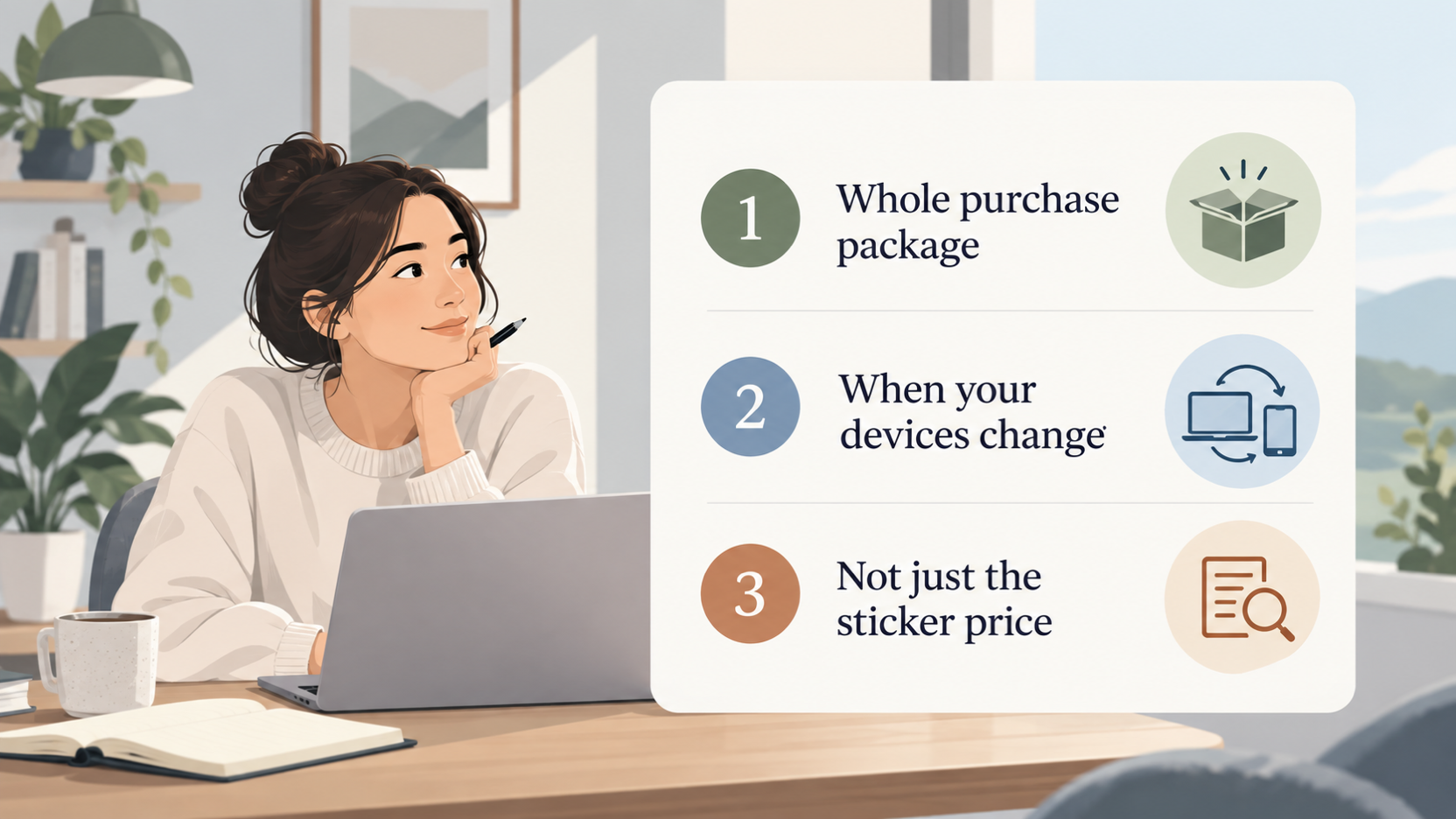
Chargers and power banks tend to be bought around moments of change. A new phone arrives without an adapter, a laptop needs a higher-wattage charger, or a trip makes a spare battery useful. Timing is therefore tied to what you already own and what you are about to buy, rather than to one perfect day in the sales calendar.
Value also depends on the whole package. The adapter, the product generation, the warranty and the cost of cables all feed into what you really spend, so a low headline price can be less of a bargain than it looks.
This guide is editorial analysis. It draws on manufacturer product, support and collection pages from Anker, Belkin, Samsung and Apple, plus one independent editorial roundup from CNET. It is not based on personal testing, and it contains no live prices or sale dates. Use it to decide what to check before buying, not as a promise of a particular saving.
Work Out What You Need Before You Time the Purchase
AI-generated generic editorial illustration — not a retailer product photo and does not depict the reviewed product or service. Show the plain-English criteria the section tells readers to work out before timing a purchase.
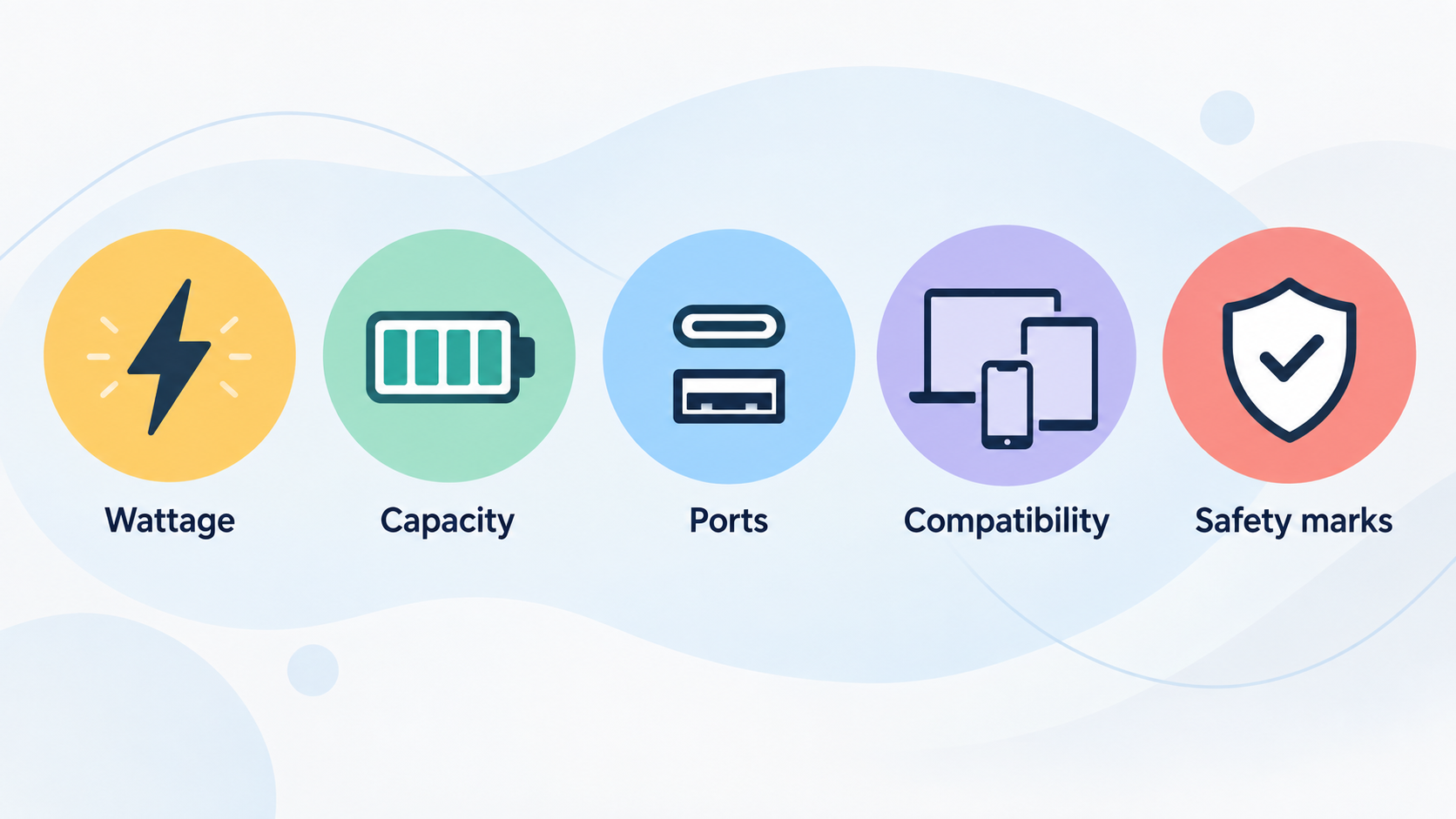
Before worrying about when to buy, work out what you actually need. Belkin's power bank guide says to start with the devices you will be charging, because that shapes the capacity, port type, wattage and special features you need.
- Capacity. Power bank capacity is measured in mAh, and Belkin says 10,000 and 20,000 are the most common sizes. It describes a 10K power bank as enough to charge an iPhone 14 about one and a half times, or to charge a phone and accessories such as headphones together.
- Wattage. If you will also charge tablets or laptops, Belkin says to look for a higher wattage. It adds that USB-C Power Delivery (PD) charges, and recharges the power bank itself, faster than a model without it.
- Ports and compatibility. Anker's filters show which specifications are worth comparing: total power output, port type (USB-C or USB-A), number of ports, and whether a product suits laptops or phones and tablets.
- Magnetic attachment. Belkin presents magnetic attachment as handy wireless charging for a single phone, and Anker lists magnetic options as a feature. Treat it as a convenience for particular phones, not as a measure of capacity.
- Safety marks. Belkin advises buying only from a reputable brand that clearly displays compliance markings such as CE and UKCA. Apple's support page says third-party adapters that comply with applicable safety standards can charge an iPhone, iPad or Apple Watch.
Once you know these basics, you can see which purchases are urgent and which can wait. A small saving is rarely worth giving up recognised safety marks, whereas details such as colour or a slightly different port count are easier to trade down.
Where Good Timing Pays Off
According to the sources, timing helps most at a handful of points rather than across the whole year.
Device changeovers. Apple's support page says iPhone models no longer include a power adapter in the box. A new iPhone is therefore a natural moment to ask whether you need a charger at all. The same page says iPhone still works with existing power adapters and USB-A to Lightning cables, so some buyers can skip the purchase entirely.
Buying direct and special routes. Samsung UK's accessories page promotes a "Buy direct. Get more." theme and Certified Re-Newed devices. Its navigation also points to Student & Youth and Key Workers & Teachers routes. These are areas worth checking for offers, but the page does not state any particular discount, so none should be assumed.
Money-back windows. Anker's collection pages list a 30-day money-back guarantee and free shipping. A return window lowers the risk of buying early and testing whether a charger fits your devices, although you should confirm the conditions on the product page.
What the sources do not cover is just as important. They give no retailer sale calendars and no discount sizes, so this guide does not claim that any month or event is the best time to buy.
Bundled Adapters and What Is No Longer in the Box
Apple's support page is a useful guide to how bundled adapters have changed. It notes that most iPhone models earlier than iPhone 11 came with a 5W adapter, and that various iPads shipped with 10W or 12W adapters. Compared with the 100W-and-above ranges Anker lists in its charger filters, those older bundled adapters are modest.
Apple also says iPhone models now come with a newer USB-C to Lightning cable that supports fast charging and works with USB-C power adapters and computer ports you may already own. You can use that cable or a USB-A to Lightning cable.
That leads to a simple habit: check your drawer first. Apple says you can charge an iPhone, iPad, Apple Watch or iPod with a Mac USB-C Power Adapter or with third-party adapters that comply with applicable safety standards. If you are replacing a phone, compare the cost of a separate adapter with the cost of reusing one you already have. If the old one is a slow 5W unit, a new adapter may be worth buying, but that is your decision to make once you have checked what you own.
The supplied pages do not establish whether Samsung or other Android phones include an adapter. Check the specific product page for the model you are considering before assuming either way.
Product Generations and Whether to Wait
Newer does not always mean a different way of charging. Anker describes its chargers as using GaNPrime technology and promotes compact fast-charging wall chargers that fit easily into a pocket or bag. On that description, newer GaN designs are mainly about size and efficiency. Standards such as USB-C PD remain the compatibility baseline, so an older charger that matches your device's wattage can remain perfectly adequate.
Product lines are refreshed regularly. Anker's power bank page currently highlights a 25K, 165W laptop power bank with built-in retractable cables and a slim 10K MagGo model among its best sellers. CNET's roundup names picks such as the Anker Nano Pro 521 and a Satechi 165W four-port GaN charger. However, that roundup was last updated in August 2023, so treat its product names as historical context rather than a current shopping list.
A sensible rule is to buy a previous generation only when the specifications you need, such as wattage, ports and capacity, match what you need to charge. If they do, there is little reason to pay extra for novelty. Equally, avoid waiting indefinitely for a marginal revision. The sources do not name any successor products or price drops, so waiting is a gamble rather than a plan.
Warranty and Guarantee Length as Part of Value
Protection is part of what you pay for, but the sources are patchy on detail. Anker's charger and power bank collection pages advertise a hassle-free warranty, a 30-day money-back guarantee, long-lasting quality and lifetime customer support. They do not give the exact warranty length, so confirm it on the product page.
Samsung's UK navigation points buyers to Warranty Information, Troubleshoot & Book a Repair, and Repair Cost pages. Looking at these before you buy shows what support is available if something goes wrong.
Apple's page stresses safety and reliability testing and compliance with government safety standards for its adapters. That is a safety claim, not a statement about warranty length, and the two should not be confused. Belkin separately advises buying from a reputable brand that shows CE and UKCA markings.
Two practical points follow:
- A money-back window is not the same as a warranty. The first is typically a short period to return a product; the second covers faults over time. Check the terms of each.
- A longer or clearer warranty can justify a higher price only if you will realistically use it. For a spare cable-length charger that sits in a drawer, it may matter less than for a power bank you rely on daily.
Total Cost of Cables and Accessories
AI-generated generic editorial illustration — not a retailer product photo and does not depict the reviewed product or service. Illustrate the section's savings logic: add up charger, cable and extras so a cheap headline price does not hide a second purchase.
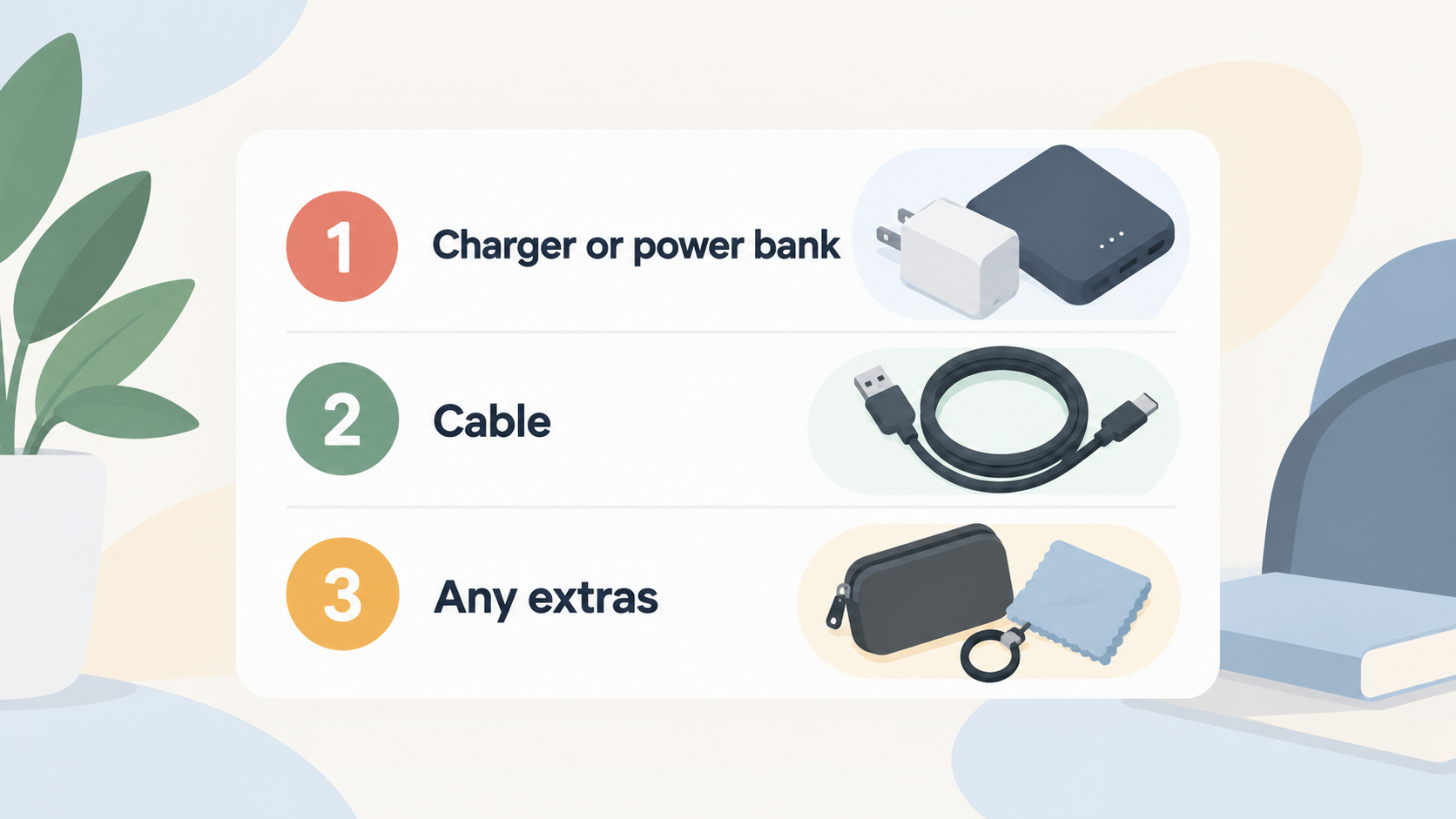
A cheap charger can hide a second purchase. The calculation that matters is charger plus cable plus any case or magnetic accessory, minus anything you can reuse.
Cables. A charger or power bank often needs a suitable USB-C cable. Apple notes that the newer USB-C to Lightning cable supplied with iPhone supports fast charging, so a cable you already own may cover this. CNET's roundup lists cables, hubs, docks and car chargers as separate categories, which shows how quickly accessory costs can add up around a core charger.
Built-in cables. Anker's laptop power bank with built-in retractable cables shows one way to reduce the extras you need to buy, though you should compare the total price at purchase time.
Multi-device households. Samsung groups chargers alongside Galaxy Tab, Watch, Buds and SmartTag accessories, which hints at how many devices a household may need to power. Anker's filters for multi-port chargers and for laptop versus phone compatibility help here. Comparing one multi-port charger against several single chargers can avoid buying a separate adapter for each device.
Reuse. Before adding anything to the basket, list the adapters and cables you already have and subtract them from the total.
The supplied sources contain no prices, so check exact figures on live product pages at the time you buy.
Limits of Timing and Source Freshness
Timing advice here is directional, and it helps to be clear about why.
- No price data. The sources are manufacturer pages and one independent roundup. They provide no price histories and no confirmed sale dates.
- Dated material. CNET's roundup was last updated in August 2023, and Belkin's power bank guide refers to 2023 and the iPhone 14. Model-specific details may be out of date.
- Collection pages. Several manufacturer collection pages returned filters and navigation rather than product listings, so specifications and prices must be confirmed on live product pages.
- No hands-on testing. This guide is editorial analysis. It makes no claim of hands-on testing or independent lab measurement.
Waiting also has a cost. If your current charger or power bank is slow, damaged or unsafe, replace it rather than holding out for a deal. Safety concerns outrank a small saving, and Belkin's advice to buy from a reputable brand with CE and UKCA markings applies whenever you do buy.
A Practical Buying Checklist
AI-generated generic editorial illustration — not a retailer product photo and does not depict the reviewed product or service. Turn the analysis into the short sequence of pre-purchase steps the section lists for UK readers.
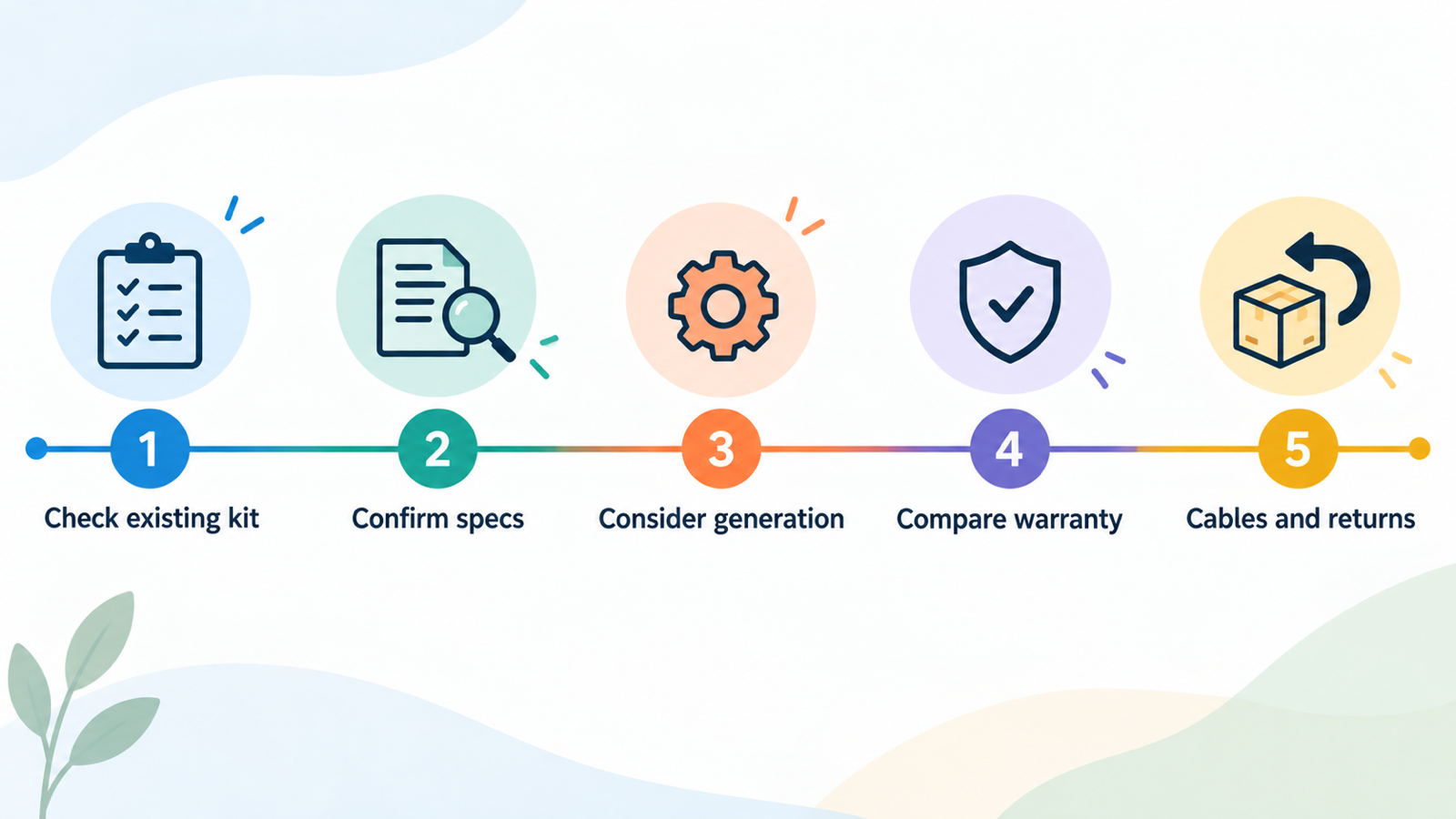
Work through these steps in order before you spend money.
- Check your existing kit. List the adapters and cables you own, including any USB-C adapter. Apple says a Mac USB-C Power Adapter or a compliant third-party adapter can charge an iPhone, iPad or Apple Watch.
- Confirm the specifications. Match capacity and wattage to the devices you will charge, using Belkin's capacity guidance and Anker's filters as reference points.
- Consider generation. Choose between a current and a previous generation based on the specs you need, not on novelty.
- Compare warranty and markings. Confirm the warranty length, return window and UK compliance markings on the live product page.
- Add up cables and returns. Include cable and accessory costs in your total price, and use money-back windows to reduce risk.
- Buy when there is a need. A device changeover, a faulty charger or a travel need is a good reason to buy now rather than wait indefinitely.
Frequently Asked Questions
Do I need to buy a new charger when I buy a new iPhone?
Not necessarily. Apple says iPhone models no longer include a power adapter in the box, but they do include a USB-C to Lightning cable. iPhone also works with existing adapters, including a Mac USB-C Power Adapter, so check what you already own first.
Is it worth waiting for a newer generation of charger or power bank?
Usually only if the specifications you need are missing from current products. USB-C PD remains the compatibility baseline, and an older charger that matches your device's wattage can remain adequate. The sources name no upcoming releases or price drops, so waiting indefinitely is a gamble.
How much power bank capacity do I need for everyday use?
Belkin says 10,000mAh and 20,000mAh are the most common sizes. It describes 10K as roughly one and a half iPhone 14 charges, or enough for a phone plus accessories such as headphones. If you also want to charge tablets or laptops, it advises looking at higher wattage as well.
Is a money-back guarantee the same as a warranty?
No. A money-back guarantee, such as the 30-day window Anker lists, lets you return a product within a set period. A warranty covers faults over a longer time. Anker's pages do not state the warranty length, so check exact terms on the product page.
Can I use a third-party charger with my Apple or Samsung device?
Apple's support page says you can use third-party adapters that comply with applicable safety standards with iPhone, iPad and Apple Watch. For Samsung devices, the supplied pages do not say, so check the product page. In both cases, Belkin advises buying from a reputable brand showing CE and UKCA markings.
Sources
- Official source
- Official source
- Official source
- Official source
- Official source
- Independent guidance
Related reading
- Apple chargers and MagSafe review: practical buying assessment
- Power bank capacity explained: mAh, watt-hours and real phone charges
- How to spot genuine charger and power bank deals
- Best USB-C power banks for everyday carry: evidence-led top choices
Editorial information: About our editorial team · Read our editorial policy · Read our affiliate disclosure.