
Apple Charging Accessories at a Glance
AI-generated generic editorial illustration — not a retailer product photo and does not depict the reviewed product or service. Editorial illustration supporting this section.
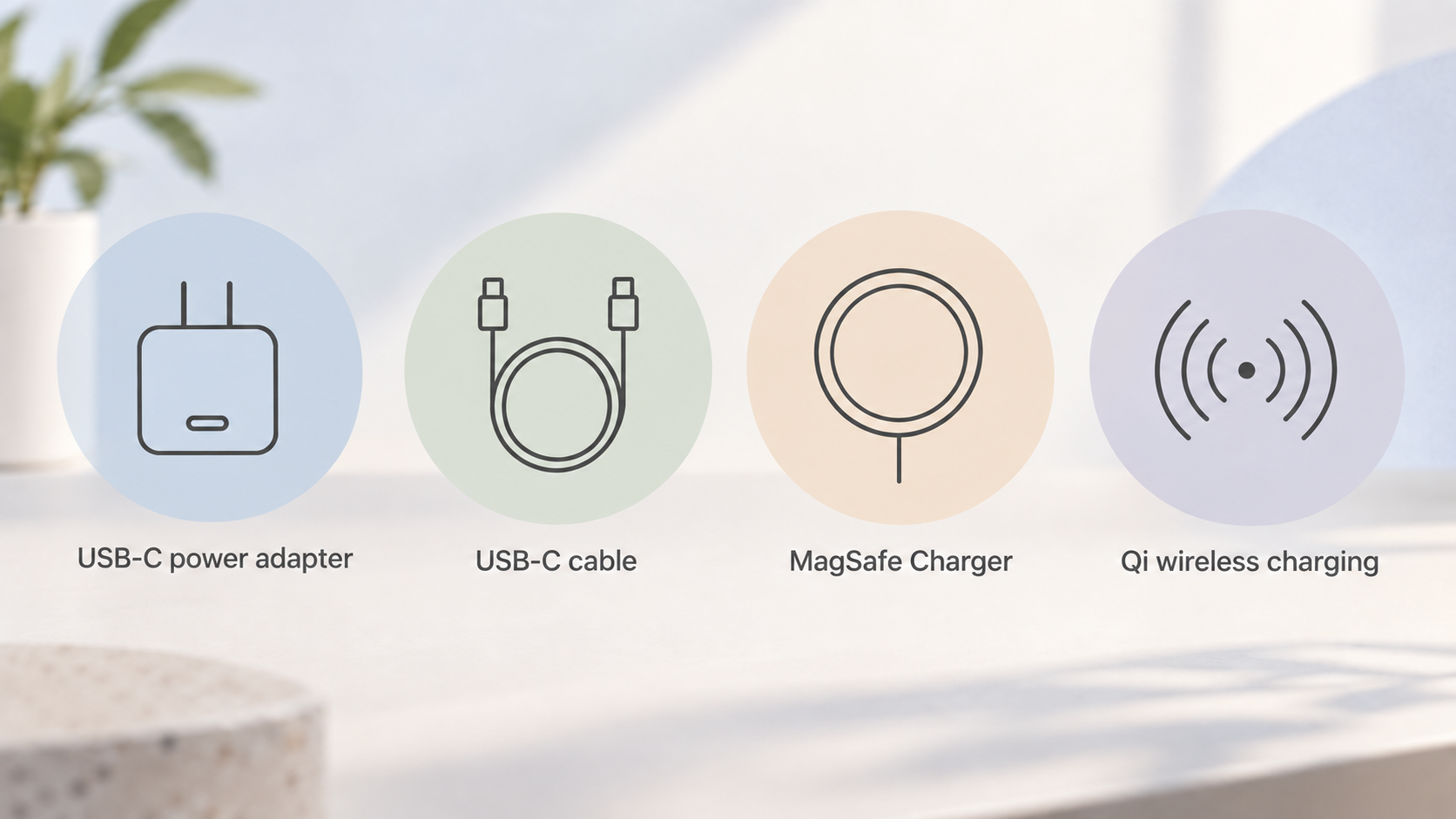
Apple's iPhone charging setup has three parts that work together: a power adapter, a cable or wireless charger, and the iPhone itself. The iPhone model matters because it sets the ceiling on how fast charging can go, whatever accessories you buy. Apple's range covers USB-C power adapters, USB-C cables, the MagSafe Charger and support for standard Qi wireless charging.
One practical point catches many buyers out. Apple says its iPhone models no longer include a power adapter in the box, a change it links to its environmental goals. iPhones continue to work with existing power adapters, and Apple says the cable supplied works with USB-C power adapters and computer ports you may already own. In other words, the adapter is often the one part you need to supply yourself.
For wireless charging, the MagSafe Charger is Apple's magnetic option, designed for faster wireless charging on supported models. Standard Qi-certified chargers also work with iPhone 8 or later, although Apple describes them as charging at lower rates. On the adapter side, Apple names comparable third-party USB-C power adapters that support USB Power Delivery (USB-PD) as suitable for fast charging, so you are not restricted to Apple-branded adapters.
The rest of this guide sets out what Apple documents for each part, which adapter wattage and method suit which iPhone, and where the caveats lie, so you can work out what to buy and what you can skip.
How This Guide Was Researched
This is an editorial guide built from Apple's own UK support pages and the merchant's public information. It is not based on personal hands-on testing, and we have not run independent charging tests. Where we describe what a charger can do, we are reporting what Apple says it can do.
That matters most for speed figures. The charge-time claims quoted here, such as reaching 50 per cent in a set number of minutes, come from Apple's own testing statements. Apple notes that its fast-charge tests used drained iPhone units, including pre-production models, and that charging time varies according to settings and environmental factors. Treat the figures as Apple's stated best-case guidance rather than a promise for your own handset.
Apple's support pages also change over time. The pages we drew on already refer to recent iPhone models and to testing carried out in 2025 and 2026, and further models will bring further updates. Before you buy anything, check the current Apple UK support page for your iPhone, and check the wattage printed on any adapter you already own.
If you want to know more about how we approach guides like this one, our editorial methodology explains how we use official sources and where we draw the line on claims.
What Apple Gets Right on Fast Charging
AI-generated generic editorial illustration — not a retailer product photo and does not depict the reviewed product or service. One row of icons with short labels summarising the documented strengths the section states, framed as Apple's own claims.
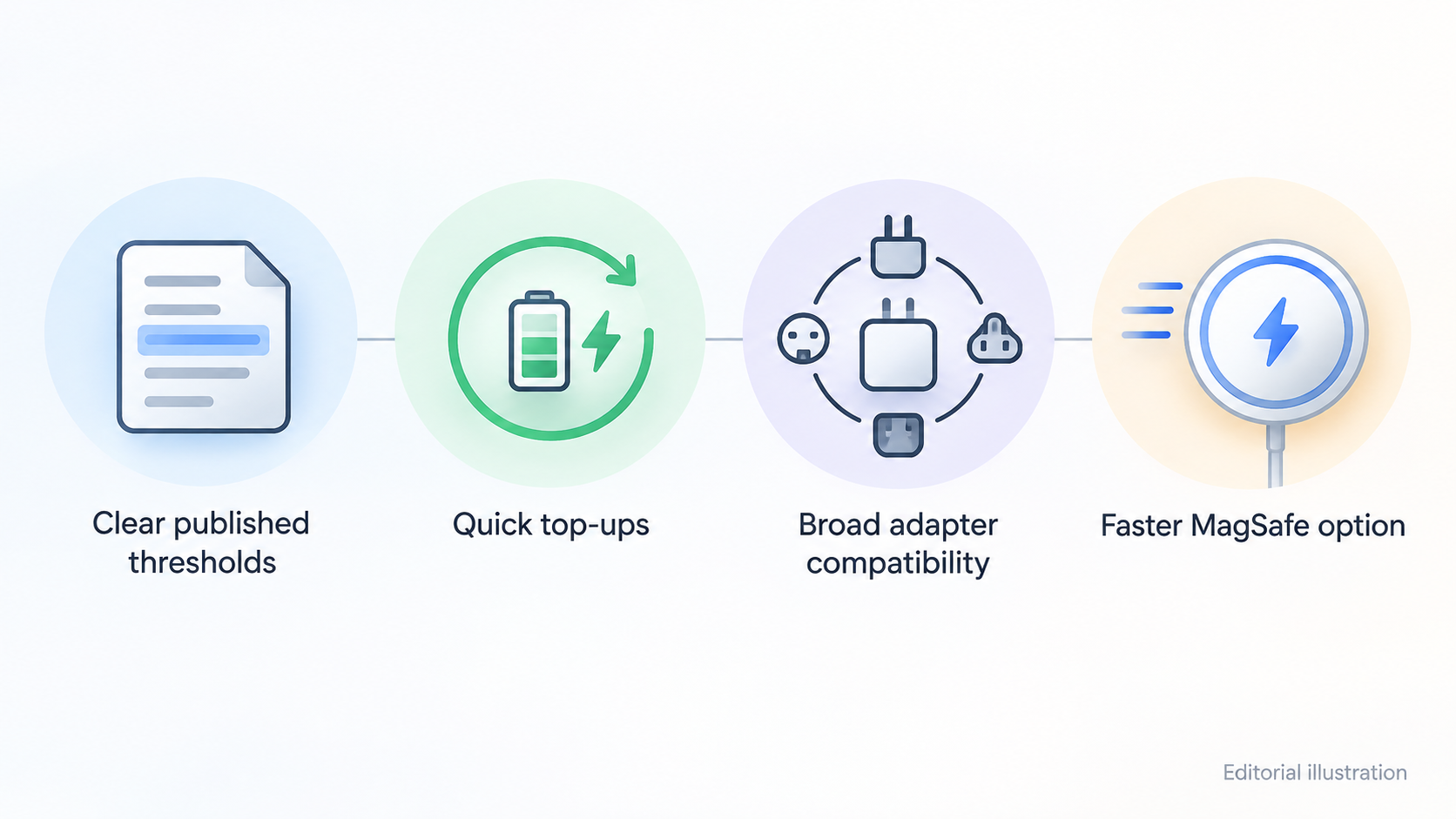
The strengths below are claims from Apple's documentation, and we present them as such rather than as verdicts.
Clear published thresholds. Apple states what each charging method needs, in wattage and cable terms, rather than leaving buyers to guess. That makes it possible to check your setup against a published requirement before spending money.
Quick top-ups. Apple says you can fast charge an iPhone 8 or later up to 50 per cent in around 30 minutes with a suitable adapter. For iPhone 17, iPhone 17 Pro and iPhone 17 Pro Max, Apple says up to 50 per cent in around 20 minutes with a 40W adapter or higher. These are Apple's figures from its own testing, so real-world results will vary.
Broad adapter compatibility. Apple does not tie fast charging to its own brand. For both wired and wireless fast charging, it lists a comparable third-party USB-C power adapter that supports USB-PD as an acceptable alternative to an Apple USB-C Power Adapter. Apple also says you can use a Mac USB-C Power Adapter or third-party adapters that comply with applicable safety standards.
A faster MagSafe option. Apple says the MagSafe Charger can deliver up to 25W of peak power for faster wireless charging on supported models, with the system adapting to conditions. That is well above the rates Apple describes for standard Qi chargers, which are covered below.
Checkable ratings. Apple publishes adapter ratings and MagSafe Charger part numbers, and tells owners where to find the wattage on an Apple adapter, which is on the top or bottom of the unit. That makes compatibility something you can verify rather than assume.
Fast Charging Requirements by iPhone Model
This is the core reference. The table summarises what Apple says you need for each method. Apple's wording applies to the models it names, so check the current page for any model not listed here.
| iPhone model | Method | What Apple says you need |
|---|---|---|
| iPhone 15 or later | Wired | A USB-C cable, such as the one in the box |
| Earlier models | Wired | A USB-C to Lightning cable and an Apple 18W or greater USB-C Power Adapter, or a comparable third-party USB-PD adapter |
| iPhone 17e, iPhone Air | Wired | 50 per cent in 30 minutes with a 20W adapter or higher |
| iPhone 17, 17 Pro, 17 Pro Max | Wired | Up to 50 per cent in around 20 minutes with a 40W adapter or higher |
| iPhone 16 or later | MagSafe Charger | An Apple 30W or greater USB-C Power Adapter, or a comparable third-party USB-PD adapter |
| iPhone 15 and earlier | MagSafe Charger | Fast charging up to 15W with a 20W or greater adapter |
On MagSafe, the 25W figure applies to specific models. Apple lists models including iPhone 17, iPhone 17 Pro and iPhone 17 Pro Max as reaching up to 25W with a 30W or greater adapter. Higher-wattage adapters at or above 15V/2.0A also deliver a maximum of up to 25W peak power. iPhone Air reaches 20W peak.
Two things follow. First, a 20W adapter that is fine for an older iPhone's MagSafe charging will not unlock the faster wireless tier on a newer model. Second, the cable and adapter alone do not decide the outcome: Apple says the iPhone model also determines what you get.
The MagSafe Charger: Setup, Speed and Qi Fallback
AI-generated generic editorial illustration — not a retailer product photo and does not depict the reviewed product or service. A numbered checklist of the MagSafe Charger setup steps the section states, in order, replacing a product-photo asset that lacked an admitted official product page.
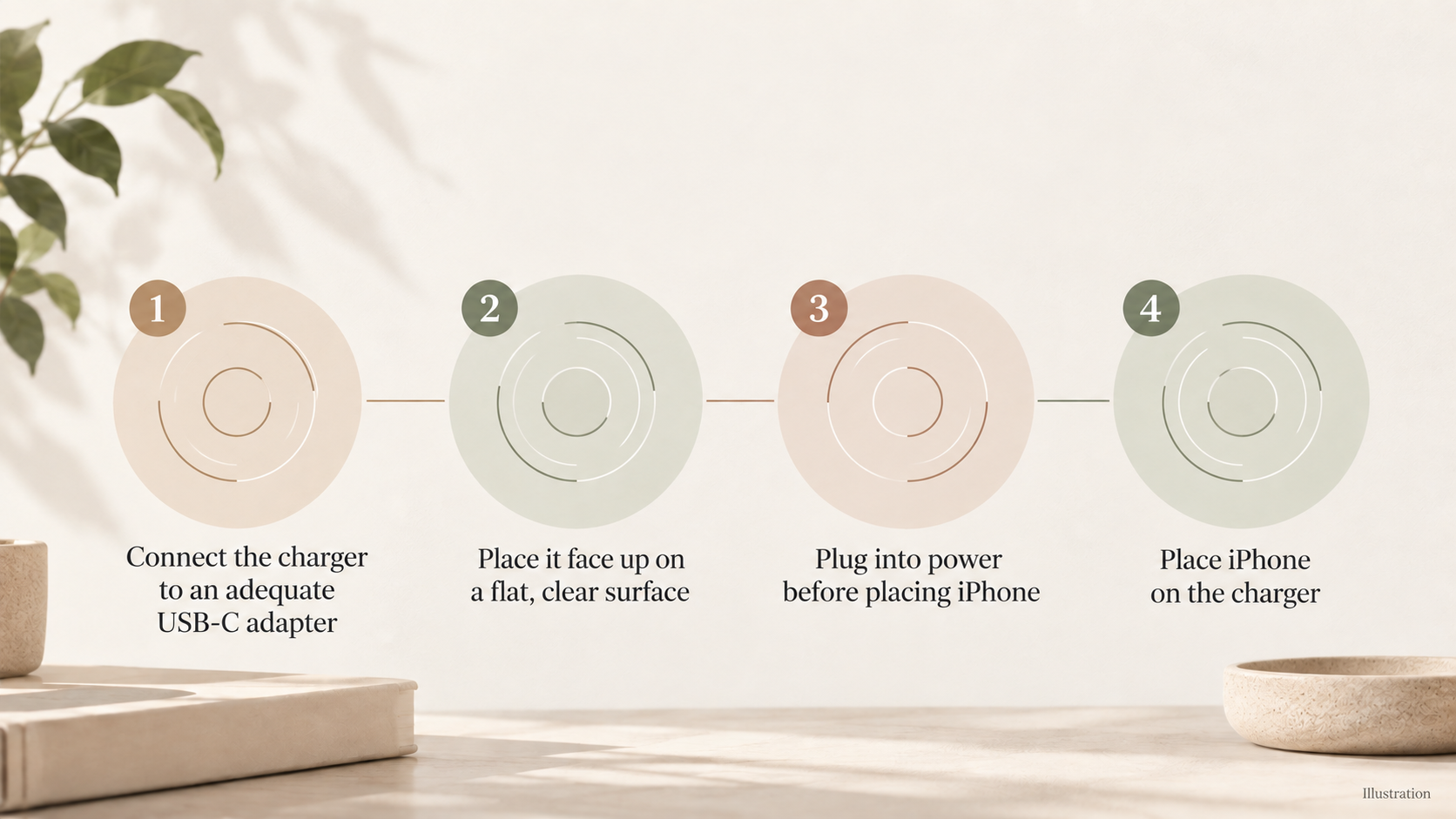
Apple describes the MagSafe Charger as designed to charge your iPhone quickly and safely without a cable plugged into the phone. Setup is simple, and the order matters:
- Connect the USB-C connector on the MagSafe Charger to a recommended 30W or greater Apple USB-C power adapter or a compatible third-party USB-C adapter. Apple says you can also use a USB-C port on a Mac or PC.
- Place the charger face up on a flat surface, clear of any metal objects or other foreign material.
- Make sure the charger is plugged into a power source before placing your iPhone on it. Apple says this allows MagSafe to verify that it is safe to deliver maximum power.
- Place your iPhone on the charger.
If you placed the iPhone on the charger before plugging in, Apple's fix is to remove the iPhone, wait three seconds and put it back to resume maximum power delivery.
Apple lists the MagSafe Charger part numbers for the 25W-capable configurations as A3502, A3503, A2580 and A3250, noted on the device or its cable. If you are buying or reusing a charger, those numbers are worth checking.
How does it compare with Qi? Apple says many Qi-certified chargers charge iPhone, with the latest iOS, at rates up to 7.5W, and that other Qi chargers may vary in functionality and performance. That is slower than MagSafe on supported models. If speed matters, particularly with an iPhone 16 or later, MagSafe with a suitable adapter is the faster route on Apple's figures. If you simply want to top up overnight, a Qi pad you already own remains a workable fallback, since Qi works with iPhone 8 or later.
Limitations and Caveats to Weigh
AI-generated generic editorial illustration — not a retailer product photo and does not depict the reviewed product or service. A short numbered checklist of the caveats the section states so readers can quickly weigh the trade-offs.
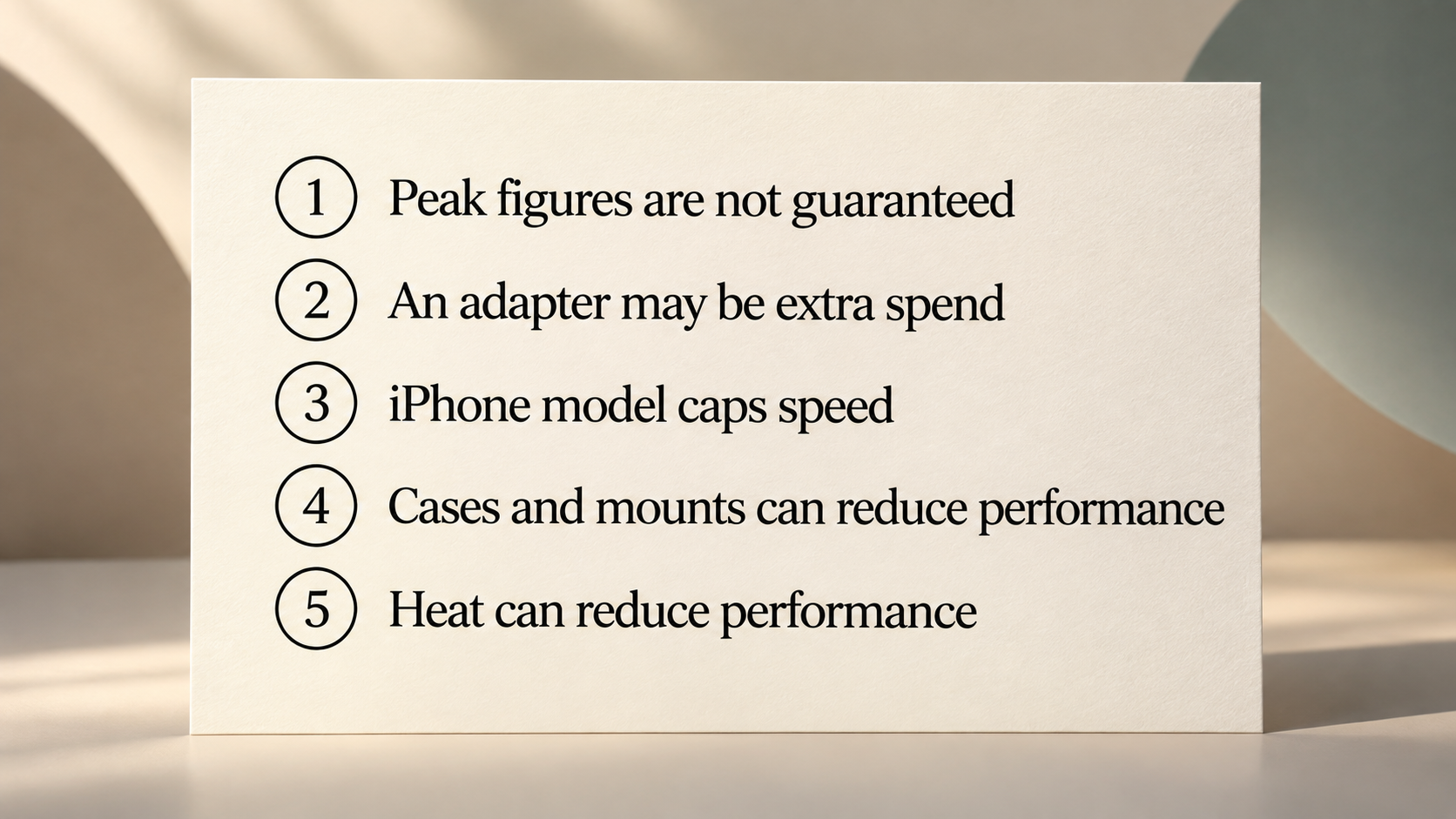
Peak figures are not guaranteed. Apple says the actual power delivered varies with the iPhone model, the wattage of the power adapter and system conditions. The headline 25W is a peak, not a constant.
Heat and cold. Apple says fast charging may not work in conditions that are too cold or too hot.
Apple's testing basis. The charge-time figures come from Apple's own testing using drained units, including pre-production iPhones, and Apple says charging time varies according to settings and environmental factors and that actual results will vary.
Your iPhone sets the limit. Older or lower-spec models cannot reach the headline 25W MagSafe figure. On Apple's numbers, iPhone 15 and earlier reach up to 15W with MagSafe, and iPhone Air reaches 20W peak.
Cases, mounts and objects in the way. Apple says magnetic mounts, magnetic cases or other objects between the iPhone and the charger may reduce performance. They can also damage magnetic strips or RFID chips, such as those in some credit cards, security badges, passports and key fobs. Apple advises removing such items from a case before charging, or making sure they are not between the back of the iPhone and the charger.
Extra spend on an adapter. Because Apple says iPhones no longer ship with a power adapter, the full fast-charging setup can cost more than the price of the charger alone. For MagSafe, Apple recommends a 30W or greater adapter, so the total depends on whether you already own a suitable one.
None of this is a reason to avoid Apple's range. It is a reason to check each link in the chain before assuming you will see the quoted speeds.
Which Apple Charger Suits Which iPhone Owner
These scenarios draw on Apple's published requirements. They are not a ranking, and we have not tested the accessories ourselves.
Owners of iPhone 15 or later. You mainly need a suitably rated USB-C adapter, since a USB-C cable is in the box. For the quickest wired charging on iPhone 17, iPhone 17 Pro or iPhone 17 Pro Max, Apple's figure assumes a 40W adapter or higher. For iPhone 17e and iPhone Air, Apple's figure assumes 20W or higher.
Owners of earlier iPhones. You can fast charge with a USB-C to Lightning cable and an 18W or greater USB-PD adapter, either Apple's or a comparable third-party one.
Desk or bedside wireless users. If you want wireless convenience on an iPhone 16 or later, Apple says to pair a MagSafe Charger with a 30W or greater adapter. On iPhone 15 and earlier, MagSafe fast charging tops out at 15W with a 20W or greater adapter.
Budget-conscious buyers. You may not need to buy a new adapter. Apple says a compatible USB-PD adapter or a Mac USB-C Power Adapter can be used, so check what you already own first. If you have a Qi pad, you can keep using it at up to 7.5W if speed is not a priority.
Whatever your situation, check the wattage printed on the adapter and the current Apple UK page for your iPhone before you buy. If you want to compare Apple's range with other brands, or look at power banks for charging away from home, our other charging guides cover those.
Frequently Asked Questions
Do I need an Apple power adapter to fast charge my iPhone?
No. Apple lists a comparable third-party USB-C power adapter that supports USB Power Delivery (USB-PD) as an alternative to its own adapter, provided it meets the stated wattage for your model and method. If you are not sure which Apple adapter you own, check the wattage on the top or bottom of the unit.
What wattage adapter do I need for MagSafe wireless charging?
Apple recommends a 30W or greater USB-C adapter for the MagSafe Charger, and says it can also be connected to a USB-C port on a Mac or PC. For fast wireless charging, Apple specifies a 30W or greater adapter for iPhone 16 or later. For iPhone 15 and earlier, Apple says you can fast charge up to 15W with a 20W or greater adapter.
Why is my iPhone charging slowly on a MagSafe or wireless charger?
Apple points to a few causes. MagSafe needs to be connected to power before the iPhone is placed on it, so it can verify that delivering maximum power is safe. If you placed the iPhone first, remove it, wait three seconds and replace it. An adapter below 30W may also limit speed. Magnetic mounts, magnetic cases or other objects between the iPhone and the charger may reduce performance, and Apple says the actual power delivered varies with the iPhone model, adapter wattage and system conditions.
Will a standard Qi wireless charger work with my iPhone?
Yes, if you have an iPhone 8 or later. Apple says iPhone works with Qi-certified chargers, and that many charge at rates up to 7.5W. That is slower than MagSafe on supported models, and Apple notes that other Qi-certified chargers may vary in functionality and performance.
Sources
Related reading
- Belkin charging review: who it suits and who should skip it
- Samsung chargers and power accessories review: practical buying assessment
- How to choose a USB-C charger: wattage, ports and safety
- When to buy chargers and power banks for better value
Editorial information: About our editorial team · Read our editorial policy · Read our affiliate disclosure.