
Samsung Charging Accessories at a Glance
AI-generated generic editorial illustration — not a retailer product photo and does not depict the reviewed product or service. Editorial illustration supporting this section.
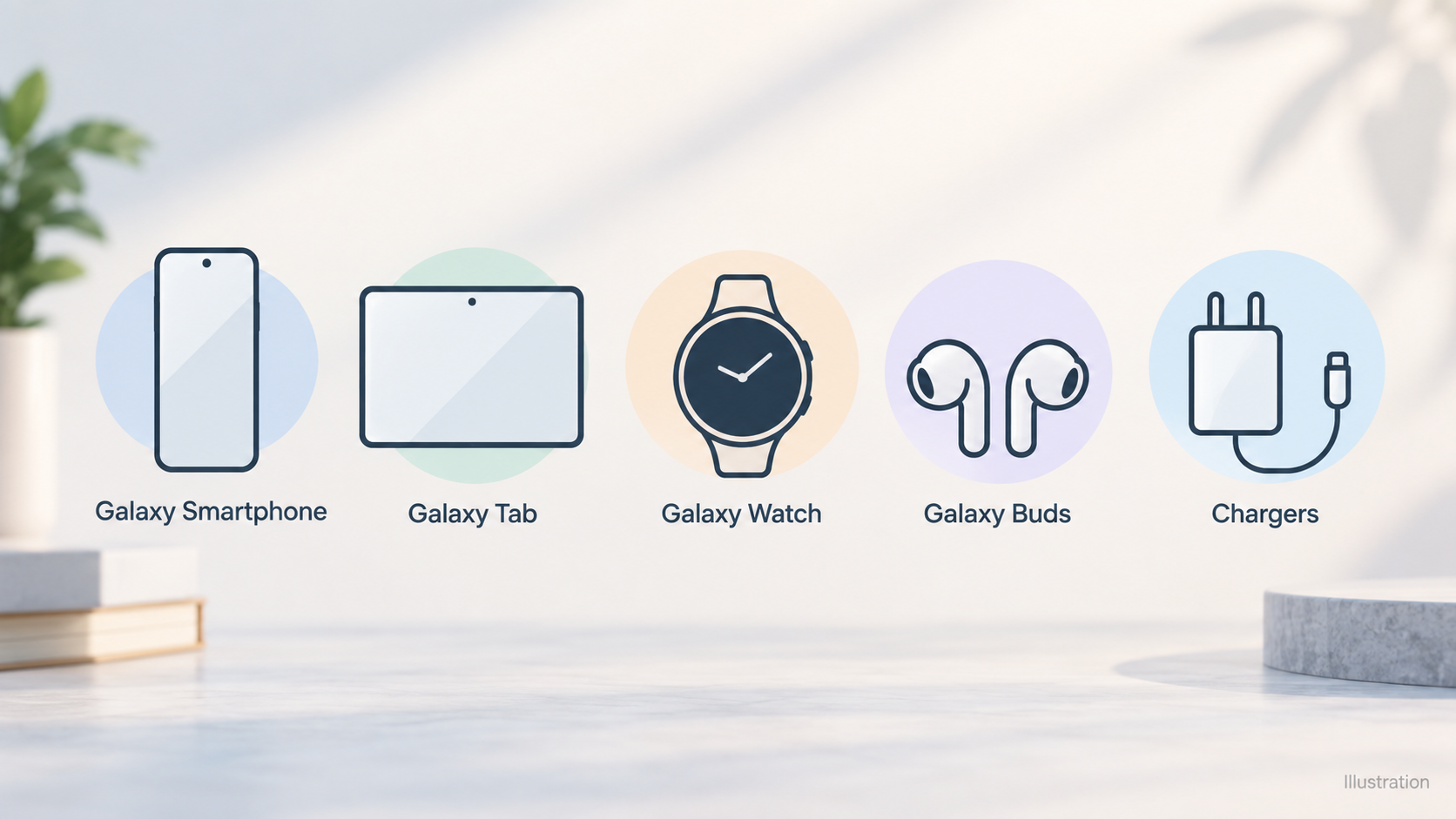
Samsung's UK online shop organises its accessories first by device family. The mobile accessories page lists Galaxy Smartphone, Galaxy Tab, Galaxy Watch, Galaxy Buds and Galaxy Book (Samsung's laptop line) accessories, plus SmartTag, and it gives Chargers their own separate category. Wireless Chargers then has a dedicated page of its own within the mobile accessories section. For a shopper, that means charging gear is easy to find, but you still need to know which device you are buying for.
This guide covers three things: Super Fast Charging adapters, wireless chargers and the wider range of power accessories. It is editorial buying guidance based on Samsung UK's public shop and support pages. We have not tested any of these products ourselves, and nothing here should be read as hands-on or independent test results. Where Samsung's pages are silent, such as on prices, wireless wattages or warranty terms, we say so rather than guess.
If you would like the basics first, our plain-English guide to wall charger wattage and USB-C power delivery explains the terms used throughout this article.
What Samsung Super Fast Charging Does Well
AI-generated generic editorial illustration — not a retailer product photo and does not depict the reviewed product or service. A numbered checklist of the five settings steps the official support page gives for turning on Super fast charging.
The clearest material Samsung publishes on charging is its "How to use Super fast charging" support page, last updated on 17 May 2023. It describes fast, super fast and wireless charging as capabilities built into the Galaxy S22 and Galaxy S23 series, and it presents super fast charging as a key part of the convenience those phones are designed around.
Clear wattage tiers. Samsung spells out what each phone needs. For fast charging, the page lists 25W for the standard Galaxy S22/S23 (with a 3700mAh battery) and 45W for the Galaxy S22+/S23+ and the S22/S23 Ultra (with batteries of 4500–5000mAh). You do not have to decode a spec sheet to find out which tier your phone belongs to.
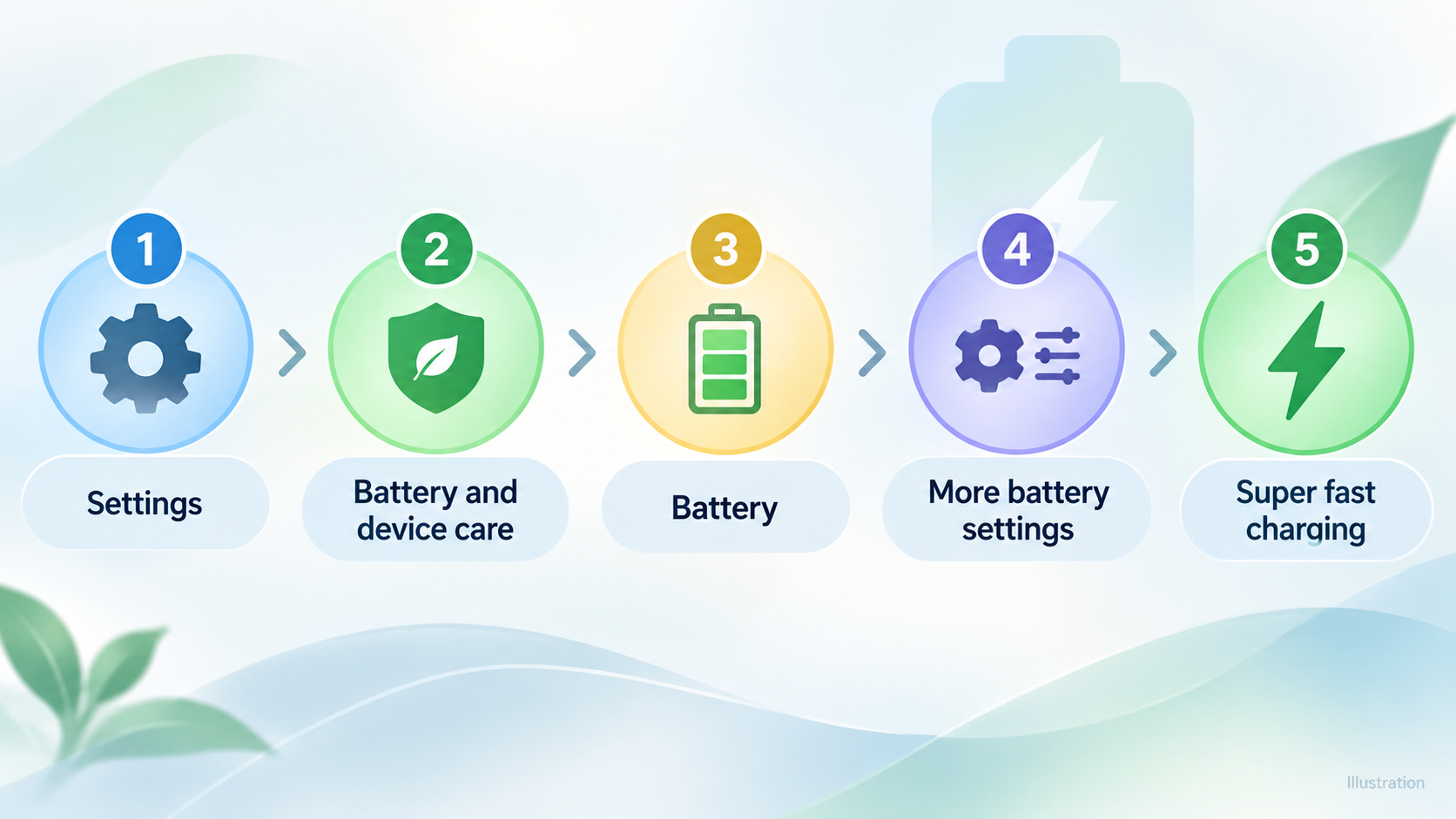
A short, specific setup path. Super fast charging is switched on in five steps:
- Go to Settings.
- Tap Battery and device care.
- Tap Battery.
- Tap More battery settings.
- Tap Super fast charging.
On-screen feedback. On OS13 onwards, Samsung says you will see a green spinning wheel when the phone is fast charging and a blue spinning wheel when it is super fast charging. That gives you a simple way to confirm that your adapter and cable are doing what you bought them for. The page also mentions a lightning symbol on the cover screen while the phone charges.
Less guesswork. Because Samsung publishes the adapter, cable and setting requirements in one place, buying first-party accessories reduces the risk of mismatching parts. That is a practical advantage rather than a performance claim. We are not saying Samsung's chargers are the fastest or best available, only that the company's own documentation is specific and easy to follow.
Which Adapter and Cable You Need for Super Fast Charging
AI-generated generic editorial illustration — not a retailer product photo and does not depict the reviewed product or service. A short numbered checklist of what the support page says is needed to trigger Super fast charging: compatible phone, 45W travel adapter, 5A E-marked cable.
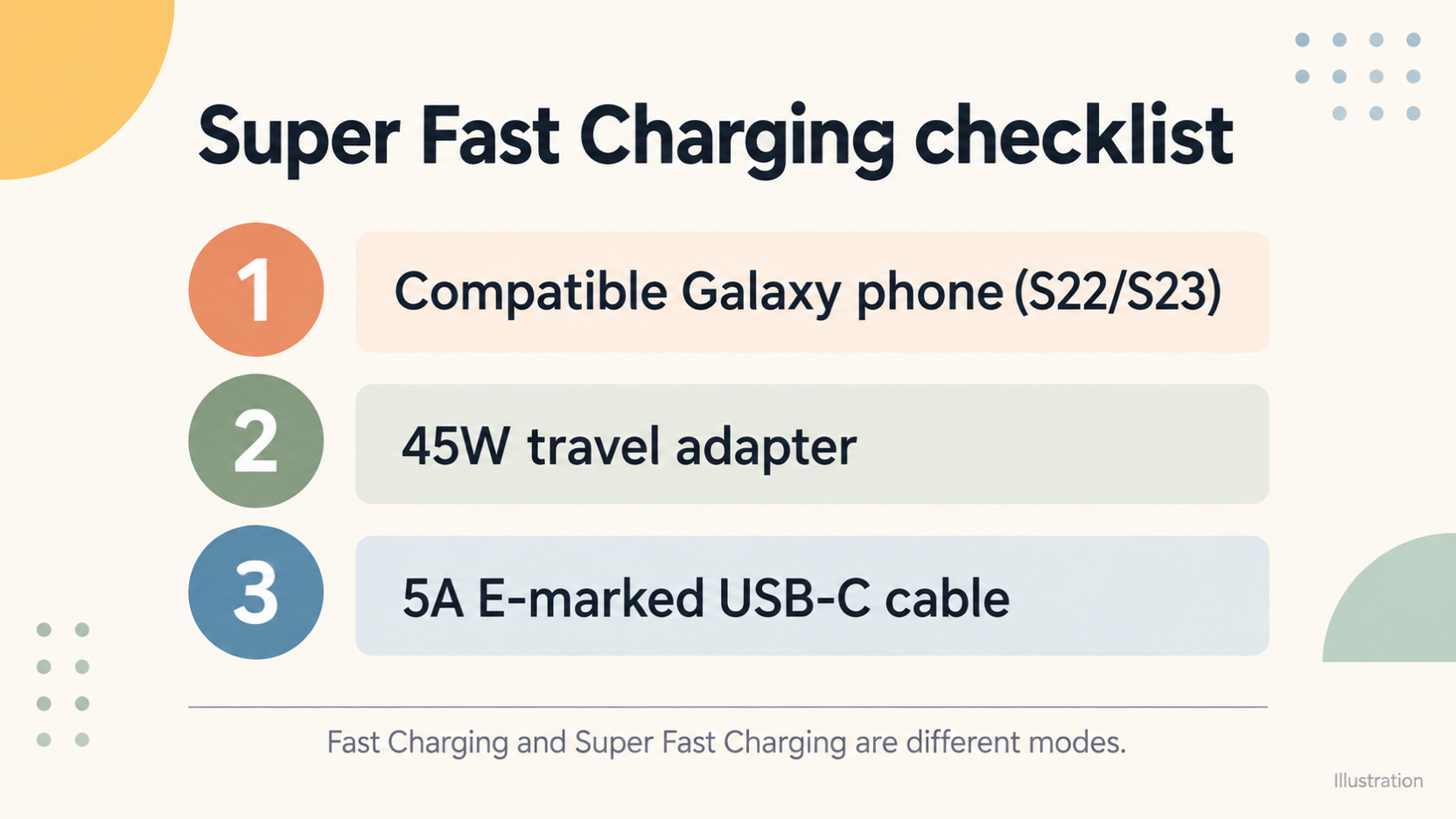
According to Samsung, super fast charging needs a combination of parts, not just a powerful plug. The support page lists a 45W travel adapter and a 5A, E-marked USB-C cable. Samsung also states plainly that super fast charging cannot be performed using standard chargers. Samsung recommends using the 5A USB Type-C cable that comes with its 45W charger, and says you can buy a travel adapter on the Samsung website.
Here is a short checklist to run through before you buy:
- Phone model. The page covers the Galaxy S22 and S23 series. Samsung distinguishes smaller-battery models (25W fast charging for the standard S22/S23) from larger-battery models (45W for the S22+/S23+ and the Ultras). Check which one you own.
- Adapter wattage. For super fast charging, Samsung calls for a 45W travel adapter.
- Cable rating. You need a 5A cable with an E-marker. A cable that merely fits the port is not enough on Samsung's terms.
- Setting enabled. Confirm that Super fast charging is switched on under Settings > Battery and device care > Battery > More battery settings.
Two operating notes from Samsung are worth knowing. First, you cannot activate or deactivate the feature while the phone is charging, so change the setting beforehand. Second, to maximise charging efficiency, Samsung advises turning the device screen off while charging.
If the term "E-marked" is new to you, our USB-C cable ratings and e-marker explainer covers it in plain English. If you are comparing Samsung's adapter with third-party options, our wall charger buying guide looks at Anker, Belkin and Apple adapters side by side.
Samsung Wireless Chargers and Other Power Accessories
Samsung UK lists Wireless Chargers as a dedicated category within its Chargers and mobile accessories area. Samsung's support page also says the Galaxy S22 and S23 support wireless charging, which is the main link between the phones and that category.
What the category pages do not give us is detail. The content we reviewed contains no wattage figures, no model-specific wireless specifications and no prices for individual wireless chargers. For that reason we are not naming specific pads or stands, and we are not quoting wireless speeds. You will need to read the individual product pages for those details.
The wider range is organised by device. Alongside smartphone accessories, Samsung UK has separate categories for Galaxy Tab, Galaxy Watch, Galaxy Buds and Galaxy Book, plus SmartTag. If you are buying power accessories for more than one device, check compatibility for each one rather than assuming a single charger suits everything.
The shop gives you some tools for narrowing down. The accessory listings can be sorted by Newest, Most Clicked, Highest Rated, Recommended and Most Reviewed, and they can be filtered and compared on-screen. These are useful for shortlisting, though a sort order tells you what is popular, not what is best for your phone.
For background on Qi pads and stands, see our wireless charging explainer.
Limitations and Gaps to Check Before Buying
An honest assessment of Samsung's charging range has to include what the sources do not tell us.
The key support page is dated. The Super Fast Charging page was updated on 17 May 2023 and covers the Galaxy S22 and S23. If you own a newer Galaxy phone, do not assume the same adapter, cable or settings path applies. Check Samsung's current support information for your exact model.
Offers may have expired. The Wireless Chargers page we reviewed carried a note about purchasing from Samsung.com by 30.06.24. That date has passed, so do not assume any promotion is current. Check the live page before you rely on any offer.
No prices, wireless wattages or warranty terms. The pages we reviewed do not provide prices, wireless charging wattages or warranty details. We therefore cannot assess value for money, and we have not tried to.
Specific hardware is required. Super fast charging depends on a particular combination of a 45W travel adapter and a 5A E-marked cable, and Samsung says standard chargers cannot do it. If you already own a general-purpose charger, it may not deliver this mode, and the matching adapter is a separate purchase.
No competitor comparison and no testing. We have not compared Samsung's range with Anker, Belkin or Apple on value, and we have not tested any product. Nothing here speaks to battery health or longevity either, because the sources do not address those topics.
Treat this guide as a map of what Samsung confirms publicly, not a verdict on how well its chargers perform in daily use.
Who Should Buy Samsung Chargers and Who Should Look Elsewhere
Galaxy S22 and S23 owners who want the documented route to super fast charging. If you have one of these phones, Samsung's own published requirements point to a 45W travel adapter and a 5A E-marked cable. Buying matched first-party accessories is a straightforward way to follow that guidance.
Households with mixed devices. If you charge phones, tablets and laptops from the same plug, a multi-port or higher-wattage option from another brand may suit you better. We make no claims about how any competitor performs or what it costs. Instead, judge each option on the same criteria:
- Wattage: does it meet the requirement of each device you want to charge?
- Ports: are there enough, and are they the right type?
- Compatibility: does it work with your specific models?
- Warranty: what cover is offered, and for how long?
- Value: what is the total cost of the adapter plus any cable you need?
Owners of non-Samsung devices. Check compatibility carefully before choosing Samsung accessories. Samsung's charging guidance is written for Galaxy devices.
A simple way to decide:
- Start with your phone model and what it supports.
- Count how many devices you need to charge at once.
- Set a budget, then compare options against the criteria above.
For power banks, see our USB-C power bank buying guide, and for a wider view of alternatives, our comparison of Anker, Belkin and Apple chargers.
How to Buy: Checking Price, Warranty and Current Offers
AI-generated generic editorial illustration — not a retailer product photo and does not depict the reviewed product or service. A short numbered checklist of what readers should verify on Samsung UK pages before buying: current price, warranty terms and current offers.
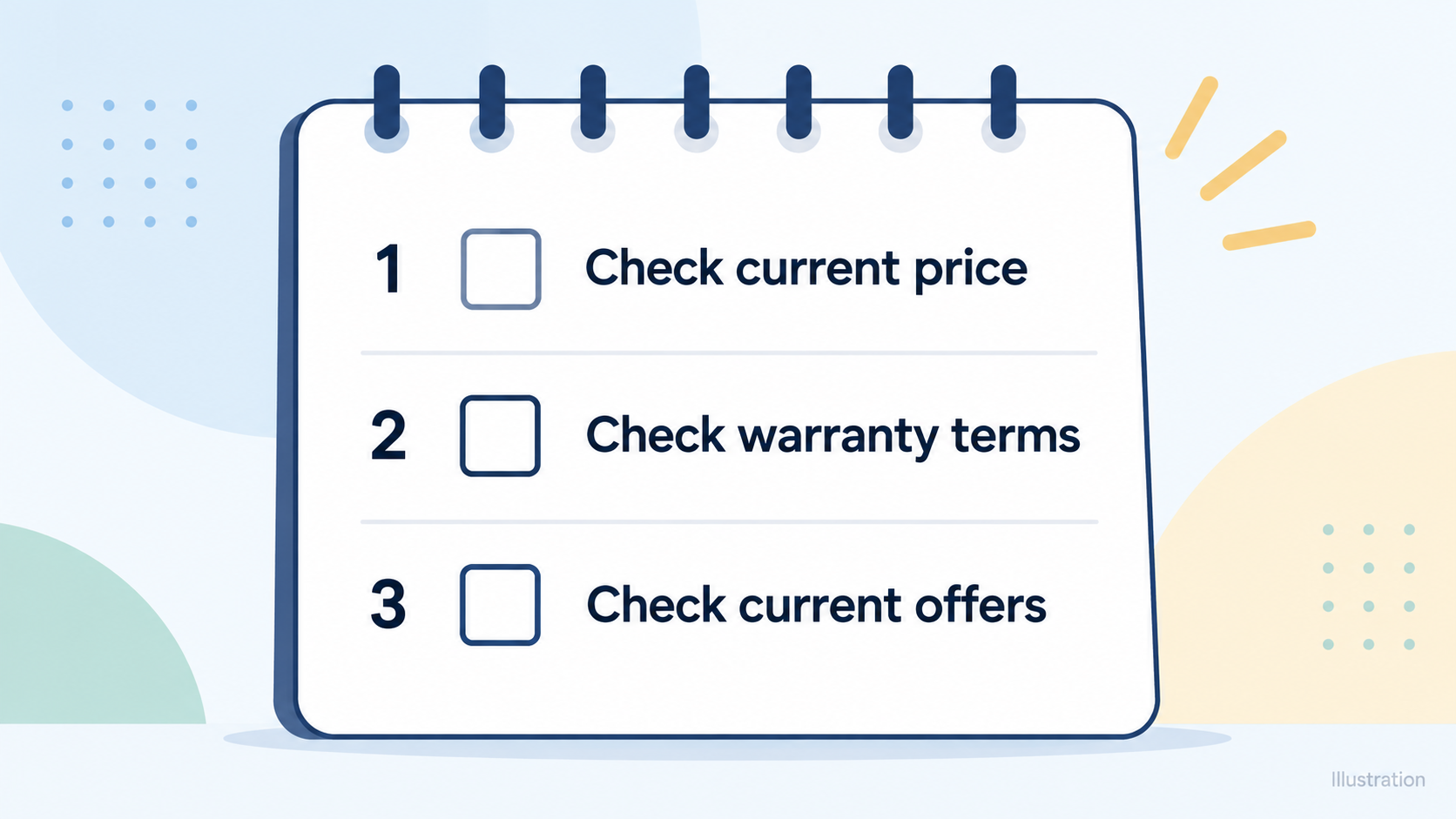
Samsung UK promotes buying direct, and its site includes pages that help you check the terms before you commit. Because the sources we reviewed give no prices or warranty details, use these steps before paying:
- Check the current price. Confirm it on the product page rather than relying on any figure quoted elsewhere.
- Check the warranty terms. Samsung UK's footer links to Warranty Information, Delivery & Installation and a Shop FAQ. Read them for the product you are considering.
- Check current offers. Look at the date on any promotion. As the expired 30.06.24 note on the wireless chargers page shows, offers can linger on a page after they end. Samsung UK also has Student & Youth and Key Workers & Teachers shop pages that may be worth a look, but we have not verified who is eligible or what discounts apply.
Also confirm the exact model, the wattage and whether a cable is included on the product page. If you are buying for super fast charging, make sure the 5A E-marked cable is part of the package or on your list. Compare the Samsung support page's update date with your phone's release, so you know whether the guidance still applies.
When you compare listings, the Highest Rated and Most Reviewed sort options are a reasonable starting point. They are not proof of quality.
Samsung UK lists an Affiliate Partner Programme, and this guide is written as a referral-style guide. If you buy through a link on this site, the site may earn a commission. Our affiliate and editorial methodology disclosure page explains how we handle this.
Frequently Asked Questions
Do I need a special charger and cable for Samsung Super Fast Charging?
Yes. Samsung says super fast charging requires a 45W travel adapter and a 5A, E-marked USB-C cable. It recommends the 5A USB Type-C cable that comes with its 45W charger.
How do I turn on Super Fast Charging on a Galaxy phone?
For the Galaxy S22 and S23, go to Settings, tap Battery and device care, tap Battery, tap More battery settings, then tap Super fast charging. You cannot switch the feature on or off while the phone is charging. On OS13 onwards, a blue spinning wheel shows that the phone is super fast charging, and a green one shows fast charging.
Will an old or third-party charger work with Super Fast Charging?
Samsung states that super fast charging cannot be performed using standard chargers, and it specifies a 45W travel adapter and a 5A E-marked cable. We have not tested third-party chargers, and the pages we reviewed do not say how they behave, so check the specifications of any alternative against Samsung's stated requirements.
Do Samsung wireless chargers work with every Galaxy phone?
The sources we reviewed do not say. Samsung's support page confirms that the Galaxy S22 and S23 support wireless charging, but that page was updated in May 2023, and the Wireless Chargers category page gives no wattage or model-specific details. Check the product page for your exact phone and charger before buying.
Is the Samsung 45W adapter worth it for a Galaxy S22 or S23?
It depends on your phone. Samsung lists 45W fast charging for the S22+/S23+ and the S22/S23 Ultra, and 25W for the standard S22/S23, with super fast charging requiring a 45W adapter and 5A E-marked cable. The pages we reviewed do not include prices, so we cannot assess value. Check the current price on Samsung UK and compare it with your needs.
Sources
Related reading
- Anker charging review: power banks and chargers, strengths, limits and alternatives
- Apple chargers and MagSafe review: practical buying assessment
- How to choose a USB-C charger: wattage, ports and safety
- Power bank capacity explained: mAh, watt-hours and real phone charges
Editorial information: About our editorial team · Read our editorial policy · Read our affiliate disclosure.